AI Workflow Intake Form Template: What to Capture Before You Automate
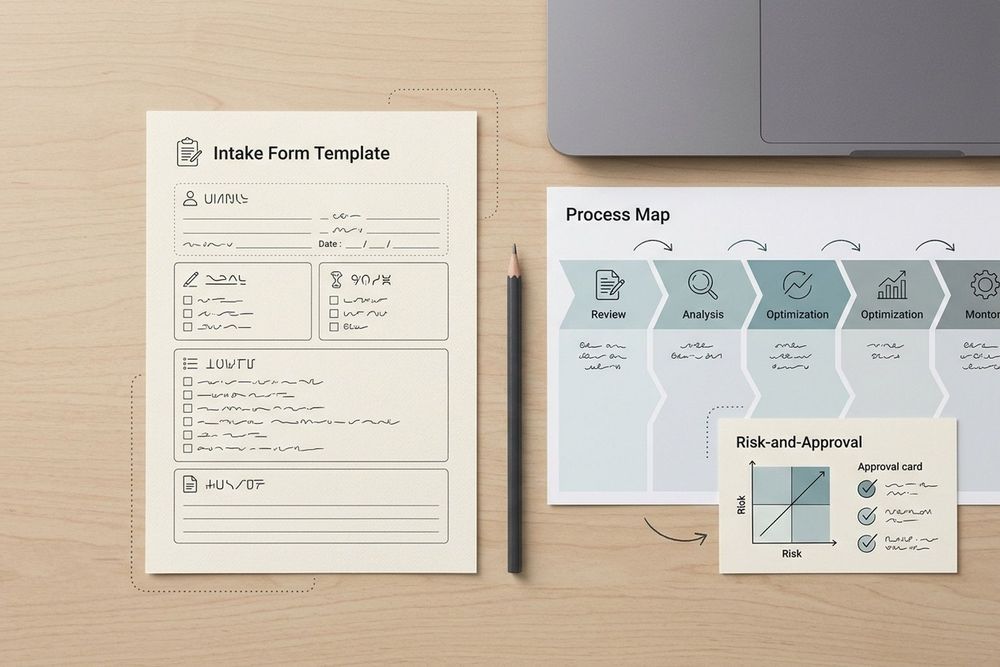
An automation request is not ready for implementation just because someone can describe the task in one sentence. “Use AI to handle our inbox” leaves unanswered questions about the current process, volume, systems, data, permissions, risk, ownership, and how the team will decide whether the work succeeded.
This AI workflow intake form template turns an early idea into a reviewable pre-build request. Use it before choosing a tool, writing prompts, granting access, or committing to a rollout plan. The goal is not to force every request into an AI project. The goal is to make the decision legible enough to approve, narrow, defer, or reject.
Copyable AI workflow intake form
Copy this form into the team’s normal request system. Keep the original answers with the decision record so the implementation can be compared with the problem that was actually approved.
1. Request summary
- Request name:
- Requesting team and owner:
- One-sentence problem statement: What is difficult, slow, risky, or inconsistent today?
- Desired outcome: What should be easier or better after the change?
- Who experiences the problem: Include the people who do the work and the people affected by its result.
- Requested decision date:
- Related business initiative or customer commitment:
A useful problem statement describes the work, not the preferred technology. “Review 600 supplier emails each week and route exceptions” is more actionable than “build an email agent.”
2. Current process
- Trigger: What starts the work?
- Current steps: List the real sequence, including handoffs and manual checks.
- Decision points: Where does a person interpret, approve, reject, or escalate something?
- Inputs: List documents, messages, records, files, forms, or events.
- Outputs: What record, reply, update, or decision is produced?
- Exceptions: What breaks the normal path?
- Current workaround: How does the team cope when the process fails?
- Evidence: Link a process map, SOP, sample records, or a short observation log.
Do not skip the exceptions. A process that looks simple on a happy-path diagram may contain the most consequential work in its edge cases.
3. Volume, timing, and baseline
- Typical volume: Requests, records, or cases per day and per week.
- Peak volume: Seasonal or event-driven maximum.
- Work arrival pattern: Continuous, batch, deadline-driven, or unpredictable.
- Current handling time: Median and range if available.
- Queue or response target: Service-level expectation or business deadline.
- Error and rework baseline: What is currently measured, and how?
- Cost of delay: Customer, revenue, compliance, operational, or reputational effect.
- Sample period: Dates represented by the baseline.
If no baseline exists, mark it as unknown and assign someone to collect a small sample. Do not manufacture a productivity estimate from a hoped-for automation rate.
4. Systems and data
- Systems involved: Name each application, database, mailbox, file store, or browser-only system.
- System of record: Where must the final state be authoritative?
- Data formats: Structured fields, free text, attachments, images, audio, or mixed inputs.
- Data freshness: Real time, daily batch, or manually refreshed.
- Data quality risks: Missing fields, duplicates, conflicting records, stale values, or unclear definitions.
- Sensitive data: Personal, financial, health, confidential, regulated, or customer-provided data.
- Data movement: What may be copied, transformed, stored, or sent to a model or external service?
- Retention: Required retention, deletion, or audit period.
The request should name what data the proposed workflow needs, not only where that data happens to live. A system inventory is not a data-flow review.
5. Permissions and operating boundaries
- Required read access: Systems, folders, mailboxes, records, or queues.
- Required write access: Systems and fields the workflow may change.
- Prohibited actions: Deletions, external sends, approvals, payments, access changes, or other high-impact actions.
- Human approval points: Exactly which actions require a person before execution.
- Least-privilege owner: Who grants, reviews, and revokes access?
- Environment: Test, sandbox, staging, or production.
- Audit evidence: What inputs, decisions, outputs, and approvals must be recorded?
Start with the smallest useful permission set. If the request cannot explain why a permission is necessary, it should not be part of the first proposal.
6. Risk and human review
- Potential harms: Who could be affected by a wrong, delayed, biased, or unauthorized result?
- Failure modes: What could go wrong technically or operationally?
- Confidence or quality signal: How will uncertain cases be identified?
- Human review rule: Which outputs are always reviewed, sampled, or escalated?
- Escalation owner: Who is accountable for a blocked or ambiguous case?
- Prompt-injection or untrusted-input risk: Could input content influence instructions or permissions?
- Rollback or stop condition: What signal pauses the workflow?
- Incident path: Where is a failure recorded and who is notified?
NIST’s AI Risk Management Framework organizes risk work into Govern, Map, Measure, and Manage. This intake form uses that structure as a practical pre-build lens: identify ownership and constraints, map the context and impacts, define measures, and state how risks will be managed before implementation begins.
7. Owner, success metric, and stop criteria
- Business owner: The person accountable for the outcome.
- Process owner: The person accountable for the day-to-day workflow.
- Technical owner: The person accountable for the implementation and monitoring.
- Reviewer or approver: The person who accepts the risk and release decision.
- Primary success metric: One measurable outcome tied to the problem.
- Guardrail metrics: Quality, safety, latency, cost, escalation, or error measures.
- Minimum acceptable result: The threshold for a pilot or release.
- Stop criteria: Conditions that pause or end the experiment.
- Review date: When the team will inspect the evidence.
A good success metric can fail honestly. For example, “reduce median routing time from 18 minutes to under 8 minutes while keeping misroutes below 2%” is more useful than “save time.”
8. Approval path
- Decision requested: Approve discovery, approve a limited test, approve a pilot, or decline.
- Required reviewers: Operations, security, privacy, legal, compliance, finance, or a domain owner.
- Evidence required for the next stage: Samples, data-flow diagram, test set, access review, or cost estimate.
- Decision deadline and owner:
- Decision record location:
- Conditions of approval:
- Expiration or re-review date:
Do not treat approval as a single yes-or-no event. A request may be approved for discovery while remaining unapproved for production access or external communication.
How to use the form in a review meeting
Ask the requester to complete the form before the meeting. The meeting should resolve gaps and make a decision, not recreate the process from memory. Start by reading the problem statement and current-process evidence. Then test whether the requested workflow has a bounded input, a clear owner, a defined system of record, and a safe human-review rule.
If those basics are missing, return the request for discovery. If the process is clear but the risk or permissions are not, narrow the test rather than expanding access. If the success metric and stop criteria are missing, do not call the work a pilot yet. It is still an idea under evaluation.
A useful outcome from the review is one of four decisions:
- Approve discovery: collect the missing process, data, risk, or baseline evidence.
- Approve a bounded test: use limited data, narrow permissions, and explicit human review.
- Approve implementation planning: the request is clear enough to move into a staged rollout plan.
- Decline or defer: the expected value, feasibility, ownership, or risk does not justify work now.
The form is a gate before implementation, not a substitute for implementation documentation. Once a workflow is approved and built, record its operating details in the AI workflow documentation template. When the request is ready for a staged rollout, use the AI workflow implementation plan. Those artifacts answer different questions later in the lifecycle.
What this template deliberately does not decide
An intake form should expose the decision, not pretend to make every decision automatically. It does not determine whether a workflow needs an agent, a deterministic rule, a browser task, an API integration, or no automation at all. It does not replace a security review, privacy assessment, legal review, procurement process, or production change-control record.
It also does not promise that an AI workflow will be autonomous. Some requests are better served by deterministic automation. Some need a person at every approval point. Some should remain manual because the data, risk, or exception rate is not suitable. The value of the intake is that those conclusions can be reached before the team spends time building the wrong thing.
Download the request into a real operating decision
If your team is evaluating several automation requests, the form can give each one the same evidence standard without forcing every request into the same architecture. Midpoint helps people coordinate the review across connected apps, channels, tickets, workflows, and computer tasks. See the Midpoint enterprise workspace when you need a controlled operating environment for the people and AI workers involved in that review.
Before submitting the request, check that it names the problem, current process, volume, systems, data, permissions, risk, owner, success metric, stop criteria, and approval path. If one of those is unknown, label it unknown and assign the next evidence-gathering step. That is a better starting point than a confident automation brief built on assumptions.
Source notes
This template adapts operational questions from the NIST AI Risk Management Framework and its Generative AI Profile. NIST describes the AI RMF as a voluntary resource for incorporating trustworthiness into the design, development, use, and evaluation of AI systems. The framework’s four functions are Govern, Map, Measure, and Manage. The sources are linked in the research log for review and are not presented as a certification or legal standard.
More articles

AI Agent Incident Communication Plan: Templates, Cadence, and Evidence
A practical AI agent incident communication plan with severity criteria, stakeholder templates, status cadence, evidence, and follow-up.

AI Agent Data Privacy Checklist: Controls That Hold Up in Production
A practical enterprise checklist for classifying agent data, minimizing access, controlling retention and transfers, redacting evidence, reviewing vendors, and proving incident readiness.

AI Agent Observability Tools Compared: A Practical Buyer Guide
Compare eight AI agent observability approaches by traces, tool calls, evaluations, cost, privacy, alerts, deployment, and OpenTelemetry support.