Gmail to Google Sheets Automation Without Scripts
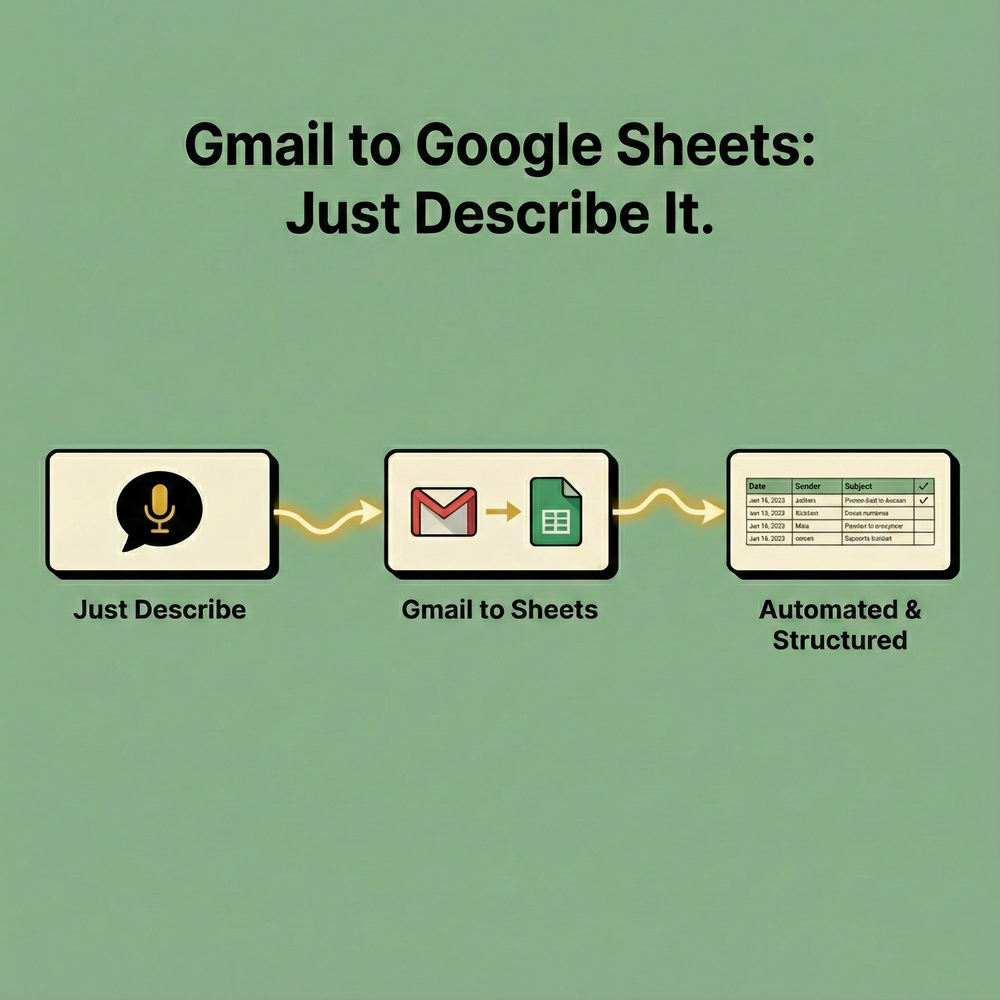
Sending emails from Gmail to Google Sheets is a common problem. It is also one that is still unnecessarily difficult.
If you search for ways to connect Gmail to Google Sheets, you usually end up in one of three places. A visual automation tool that requires wiring logic together. A tutorial that asks you to write Google Apps Script. Or a forum post explaining how to extract email data manually.
All of these approaches work. None of them are simple.
Midpoint was built to make this workflow straightforward.
Why Teams Automate Gmail to Google Sheets
People automate Gmail to Google Sheets for practical reasons.
They want to log inbound leads.
They want to track invoices, receipts, or billing emails.
They want to monitor support requests or cancellations.
They want searchable, structured data instead of an inbox backlog.
At a basic level, this workflow is simple. Find emails that match a condition and write them to a spreadsheet. The complexity comes from filters, deduplication, authentication, and reliability over time.
That is where most tools fall apart.
How Gmail to Google Sheets Automation Usually Works
Traditional approaches follow the same pattern.
You define a trigger in Gmail.
You map fields manually.
You manage authentication.
You handle edge cases when emails change format.
If you use scripts, you also own the code. If it breaks, you fix it. If Gmail changes something, you update it. What starts as a quick automation becomes something you have to maintain.
Midpoint removes this layer.
Gmail to Google Sheets With Midpoint
With Midpoint, you do not build the workflow step by step. You describe the behavior you want.
For example.
Search my Gmail for emails that contain the keywords invoice, receipt, or refund. For each email, add a row to this Google Sheet with the date, sender, subject, snippet, and a link to the email. Run this every day and make sure the same email is never added twice.
That description is enough.
Midpoint connects Gmail and Google Sheets, handles authentication, builds the workflow, tests it, and deploys it. If something changes later, you describe the update instead of rebuilding the automation.
Filtering Gmail Emails by Keywords
Gmail supports powerful keyword search. Midpoint uses these searches directly.
Common keyword searches include:
invoice OR receipt OR statement
refund OR canceled OR cancelled
pricing OR quote OR proposal
meeting OR calendar OR schedule
You can also combine keywords with Gmail operators.
Examples:
in:inbox newer_than:1d invoice
from:billing@ OR from:stripe.com
subject:(pricing OR quote)
-label:processed
Midpoint lets you describe these filters in plain language. You do not need to memorize syntax or worry about edge cases.
What Data Gets Written to Google Sheets
When sending Gmail emails to Google Sheets, structure matters.
A typical sheet includes:
Email date
From name
From email
Subject
Snippet or preview
Matched keyword
Gmail message ID
Link to the email
Midpoint automatically uses the message ID to prevent duplicates. This is one of the most common failure points in Gmail to Sheets automations built manually.
Built for Reliability, Not Just Demos
Many Gmail to Google Sheets automations work once and then quietly break.
Midpoint is designed to run in production.
Each execution runs on isolated compute. Credentials are encrypted and inaccessible even to the Midpoint team. Workflows are tested before deployment so failures do not appear silently later.
If something does go wrong, you see the error and can fix it by describing the change.
Gmail to Google Sheets Without Scripts or Visual Builders
You do not need Google Apps Script.
You do not need to drag nodes onto a canvas.
You do not need to manage logic manually.
Midpoint allows you to automate Gmail to Google Sheets by describing what should happen.
This makes it easier to build, easier to change, and easier to trust over time.
When Midpoint Is a Better Fit
Midpoint is a good fit if you want:
Gmail to Google Sheets automation without scripts
Keyword based email tracking
Reliable deduplication
Easy updates when requirements change
A production-ready workflow
If your goal is simply to move emails into a spreadsheet and never think about it again, Midpoint was built for that.
More articles

AI Agent Incident Communication Plan: Templates, Cadence, and Evidence
A practical AI agent incident communication plan with severity criteria, stakeholder templates, status cadence, evidence, and follow-up.

AI Agent Data Privacy Checklist: Controls That Hold Up in Production
A practical enterprise checklist for classifying agent data, minimizing access, controlling retention and transfers, redacting evidence, reviewing vendors, and proving incident readiness.

AI Agent Observability Tools Compared: A Practical Buyer Guide
Compare eight AI agent observability approaches by traces, tool calls, evaluations, cost, privacy, alerts, deployment, and OpenTelemetry support.