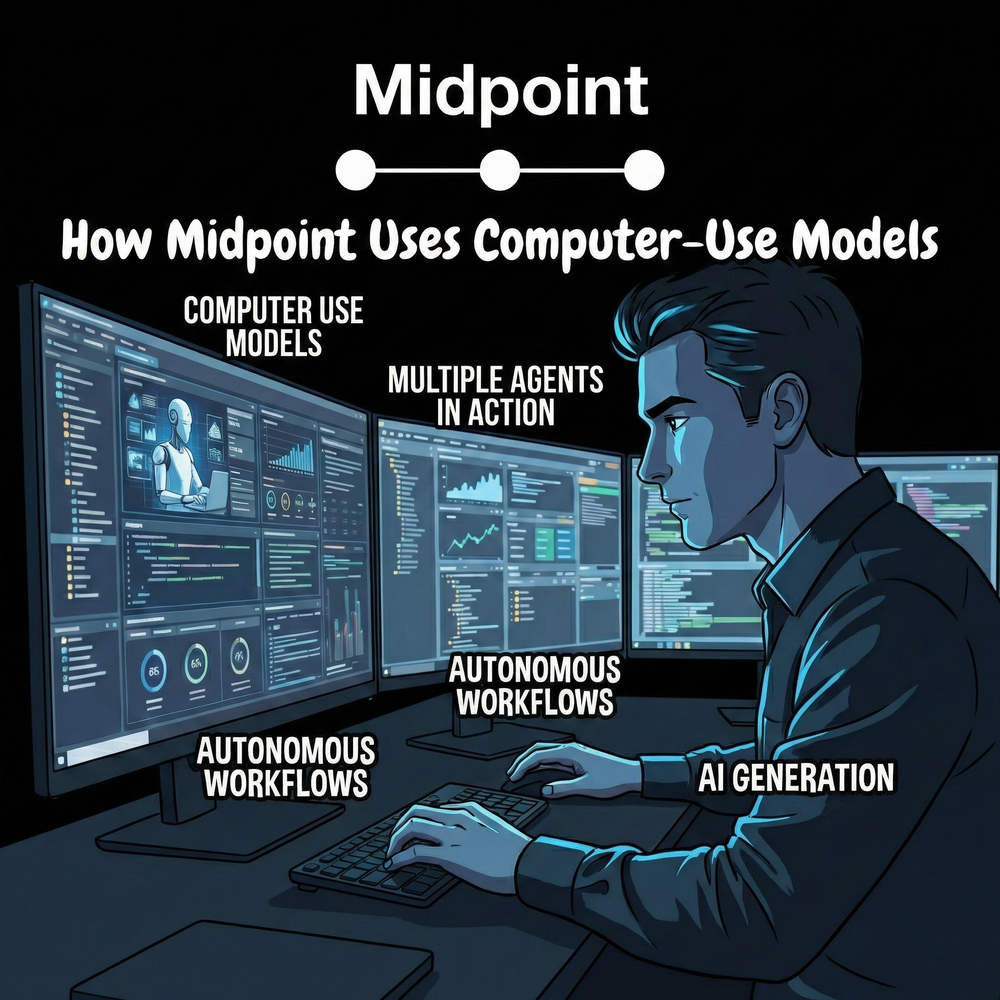
How Midpoint Uses Computer-Use Models
1) The skeptical hook
“Computer-use models” sound like a demo trick. A model clicks around a website, fills a form, and everyone claps. Then the UI changes, the session expires, a modal pops up, and the whole thing breaks.
That skepticism is correct. If you treat computer-use like a toy, it fails like a toy.
We use computer-use models as a controlled execution layer for workflows that still live inside browser-only portals, clunky admin consoles, and systems with partial or no APIs. The value is not “AI doing clicks.” The value is turning messy, manual ops into a repeatable process that runs with guardrails, logs, and recovery.
2) What it is at Midpoint
At Midpoint, a computer-use model is the “hands” for steps that require a human-style interface, like:
- Logging into a vendor portal that has no API
- Downloading a statement or report
- Uploading a file into a tax or payroll system
- Navigating multi-step admin UI flows
- Reconciling discrepancies where the source of truth is a web screen
We combine that with the “brain” (workflow logic, validation, and business rules) and the “safety layer” (permissions, audit trail, monitoring, alerts, and fast fixes).
The mental model: when an API exists, we prefer it. When an API is missing or incomplete, computer-use fills the gap. Most real workflows are hybrid.
3) Why this is now practical
Two shifts made this usable in production:
-
Models can follow multi-step UI instructions more reliably than classic RPA when the UI is variable.
-
You can wrap model actions with verification, constraints, and retries instead of trusting raw clicks.
This is where the industry is heading. Marketing leaders have been saying for a while that search and discovery are moving toward answers, not links. Kipp Bodnar at HubSpot has consistently pushed the idea that distribution changes force teams to adapt their operating systems, not just their tactics. Same energy here: the execution layer is changing. Teams that treat it like an operating system upgrade will win.
4) The 6-step way we make it work
This is the playbook we apply so it does not turn into a fragile “automation project.”
Step 1: Grade (is computer-use even the right tool?)
We score each step by: API availability, UI stability, data sensitivity, failure impact, and frequency.
If a step is high-risk and has a stable API alternative, we do not use computer-use.
Step 2: Restructure (turn a messy process into deterministic chunks)
We break the workflow into small units with clear inputs/outputs: “download report,” “extract fields,” “validate totals,” “post journal entry,” “send summary.”
Computer-use only owns the UI-bound chunks.
Step 3: Separate mentions vs citations (what to trust, what to verify)
In practice, the model will “interpret” screens. We do not accept interpretation as truth.
We separate:
- “Mentions”: what the model observed (labels, values, screen states)
- “Citations”: what we can verify (downloaded files, exported reports, computed checksums, reconciled totals)
If we cannot cite it, we treat it as a hint, not a fact.
Step 4: Open up info (make the UI legible and the state explicit)
We design the run so the model always knows:
- Which account it is in
- What period it is working on
- What “done” looks like
- What exceptions look like
We capture artifacts (screenshots, downloads, timestamps, run IDs) so a human can audit quickly.
Step 5: Tool up tracking (monitoring, alerts, and fast recovery)
This is the difference between a demo and production:
- Heartbeat checks (did the run start, progress, finish)
- Drift detection (UI changed, elements missing)
- Data validation (totals match, row counts match, variance thresholds)
- Escalation paths (pause and notify, or reroute to human review)
Step 6: Rethink attribution (measure outcomes, not activity)
We do not measure “hours automated.” We measure:
- Cycle time reduction (close time, turnaround time)
- Error rate reduction (mismatches, rework)
- Exception volume (how often humans get pulled in)
- Reliability (successful runs vs retries vs failures)
That is how you justify scaling it across more processes.
5) Where it shows up in real workflows
A few common patterns where computer-use models are the missing piece:
- Portal-heavy accounting ops: download statements, upload support, pull reports from a vendor dashboard
- Tax and compliance workflows: repetitive data pulls, form preparation steps, portal submissions
- Finance “glue work”: reconcile values between systems that do not talk cleanly
- Client-facing service firms: standardized data intake and packaging across different client stacks
More articles
AI Agent Incident Communication Plan: Templates, Cadence, and Evidence
A practical AI agent incident communication plan with severity criteria, stakeholder templates, status cadence, evidence, and follow-up.
AI Agent Data Privacy Checklist: Controls That Hold Up in Production
A practical enterprise checklist for classifying agent data, minimizing access, controlling retention and transfers, redacting evidence, reviewing vendors, and proving incident readiness.
AI Agent Observability Tools Compared: A Practical Buyer Guide
Compare eight AI agent observability approaches by traces, tool calls, evaluations, cost, privacy, alerts, deployment, and OpenTelemetry support.