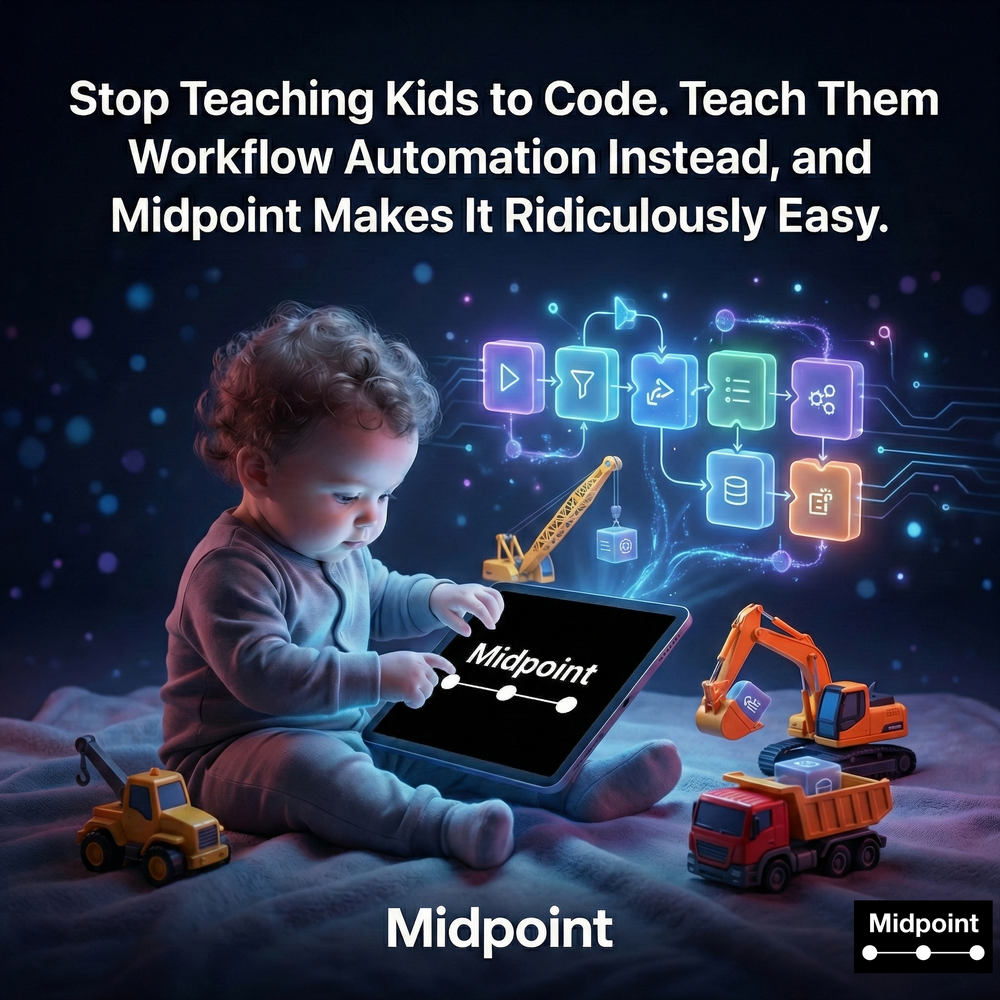
Stop Teaching Kids to Code. Teach Them Workflow Automation Instead, and Midpoint Makes It Ridiculously Easy.
1) The New Literacy Is Workflow Automation, Not Coding
Parents used to ask which language their kids should learn first. Today, the more practical question is whether they can think in systems, connect tools, and reduce manual work. Workflow automation is quickly becoming a baseline skill, because modern life is already an integration platform: email, calendars, forms, chats, documents, and task lists, all moving through disconnected apps. Midpoint turns that complexity into something teachable. Instead of starting with brittle rules or a maze of settings, kids can learn business process automation the way they already learn everything else: by describing intent. “From prompt to running workflow” is not just a slogan, it is a learning model. A student can describe a simple automation like “summarize emails, create tasks, and send notifications,” and immediately see workflow orchestration in action. They learn what a workflow is, how automated workflows move data, where approvals make sense, and how reliability matters when automation goes from a toy to something that actually runs.
2) Prompt-to-Production Makes Automation Click for Beginners
The hard part of teaching automation is the gap between an idea and a working system. Midpoint closes that gap with natural language automation and an end-to-end automation delivery approach that mirrors how professionals build production-ready automations. Kids start by describing a workflow, then Midpoint asks clarifying questions, authenticates quickly with securely encrypted OAuth, and builds the multi-step workflows with conditional logic and human-in-the-loop approvals when needed. They can watch the system test it end to end, learn why error handling and retries exist, and see how monitoring and observability prevent “it broke and I have no idea why.” In the Dashboard, executions happen in real time, with audit logs, analytics, alerts and notifications, and the kind of transparency that teaches good habits early: automation ROI assessment, reliability-first automation, and continuous improvement. In practice, this can be as simple as a Gmail chat agent that helps triage school emails, or a chatbot that answers FAQs for a club, or a lead capture automation that routes sign-ups to a table and sends a confirmation. It is automation implementation without the intimidation factor, and it is where “workflow builder” stops feeling like software and starts feeling like delegation.
3) Competitors Teach Buttons, Midpoint Teaches Systems Thinking
Tools like Zapier, Make, n8n, IFTTT, and Microsoft Power Automate are powerful, but they tend to teach automation as interface navigation: pick triggers, map fields, debug the wiring, then hope it holds. That is fine for an adult who already thinks like an operator, but it is a rough on-ramp for kids. Midpoint is different because it is managed automation built around intent, not configuration. Kids learn the concepts that matter: integration and ecosystem design, API integrations, webhooks, data sync, bi-directional sync, and why “connect your stack” is not a one-time setup but an ongoing system. When something fails, Midpoint’s approach emphasizes recovery, troubleshooting, and shipping fixes instantly, which is where most DIY automation platforms quietly tax you with manual debugging. And because Midpoint connects to hundreds of apps, APIs, and databases, it can teach cross-platform thinking early: Slack integrations, Gmail integrations, Google Sheets integrations, Notion integrations, and CRM integrations as real-world examples, not theoretical ones. The result is a deeper lesson: workflow automation is not a trick, it is an operating system for work.
4) Safety, Governance, and Reliability Are the Real Curriculum
If you are teaching kids automation, the lesson cannot end at “it works.” It has to include security and compliance, and it has to model professional governance. Midpoint’s authentication is securely encrypted and CASA Tier 3 secured, which matters when a workflow touches email, calendars, or any account with private data. For families and schools, that translates into a practical framework: role-based permissions, access controls, and knowing what automated workflows can do before letting them run. For larger environments, the same posture scales naturally into enterprise automation: centralized oversight, audit trails, SSO, SAML SSO, SCIM provisioning, and compliance-ready workflows. Even if your child never needs to say “SOC 2 Type II,” they will understand the discipline behind it, and why observability, uptime and reliability, and enterprise SLA language exists. Midpoint also makes it easy to teach restraint: where approvals belong, when to keep a human in the loop, and how to keep data privacy and data control front and center.
5) Start With Real Use Cases and Let Curiosity Scale the Rest
The best way to teach workflow automation is to anchor it in problems kids actually recognize, then let them build up to more ambitious systems. Start with “automate advanced workflows” that feel tangible: a form submit that captures sign-ups, enriches the details, and routes them to a shared table; an inbox workflow that classifies messages, summarizes emails, and turns them into tasks; or a scheduled digest that posts a daily reconciliation-style summary into a chat for a club or team. Midpoint’s pre-built templates and workflow library, plus the ability to publish and reuse pre-built Midpoints in the Market, give beginners a safe runway while still teaching how system integration really works. Over time, they can graduate to more sophisticated automation services concepts: workflow logic, branching, API keys, custom integrations, and even headless browser steps, all while staying inside a platform built for production support. That is why Midpoint is a stronger “teacher” than a typical automation platform. It does not just help your kids automate any process, it helps them learn how modern work is built: less manual work, more orchestration, and a clear path from idea to reliable execution.
More articles
AI Agent Incident Communication Plan: Templates, Cadence, and Evidence
A practical AI agent incident communication plan with severity criteria, stakeholder templates, status cadence, evidence, and follow-up.

AI Agent Data Privacy Checklist: Controls That Hold Up in Production
A practical enterprise checklist for classifying agent data, minimizing access, controlling retention and transfers, redacting evidence, reviewing vendors, and proving incident readiness.

AI Agent Observability Tools Compared: A Practical Buyer Guide
Compare eight AI agent observability approaches by traces, tool calls, evaluations, cost, privacy, alerts, deployment, and OpenTelemetry support.