Blog Workflow Automation Guides
Support Triage and Translation: The Workflow That Makes Your Team Feel Twice as Large
Automate support intake from Gmail or Outlook: detect language with Google Translate, classify issues with AI, create Linear or Asana tasks, and alert the on-call channel in Slack or Teams.

1) Support Breaks When Volume Meets Variability
Support is not hard because tickets exist. It’s hard because tickets are inconsistent: different languages, urgency, incomplete context, and unclear ownership. Manual triage becomes a bottleneck. Midpoint turns triage into a workflow that classifies, routes, and escalates automatically.
2) The Workflow: Email → Translate → Classify → Task → On-Call Alert
Midpoint triggers on Gmail or Outlook, detects language, translates using Google Translate, then classifies category and priority with OpenAI/Anthropic/Gemini. It creates tasks in Linear or Asana, assigns them, and posts an alert into the on-call Slack or Teams channel. That’s end-to-end support routing without a human dispatcher.
3) Build a Real Routing Matrix With Confidence Thresholds
Support triage should be explicit: billing, bugs, account access, feature requests, urgent escalation. Midpoint can implement confidence-based routing: if the model confidence is low or keywords indicate risk, route to human approval or escalate immediately. That balance is how you keep automation safe and accurate.
When a technical case needs engineering, prepare the reproduction details, current SLA target and receiving owner before forwarding it. See preparing a support ticket for engineering for a worked example.
4) Monitoring and Recovery Prevent “Silent Support Failures”
The worst support failure is when a customer’s request never enters the system. Midpoint’s observability ensures you can see executions and catch failures. Retries handle transient email or task API failures, and alerts notify your team when something needs intervention.
5) Extend It Into Feedback Loops and Product Intelligence
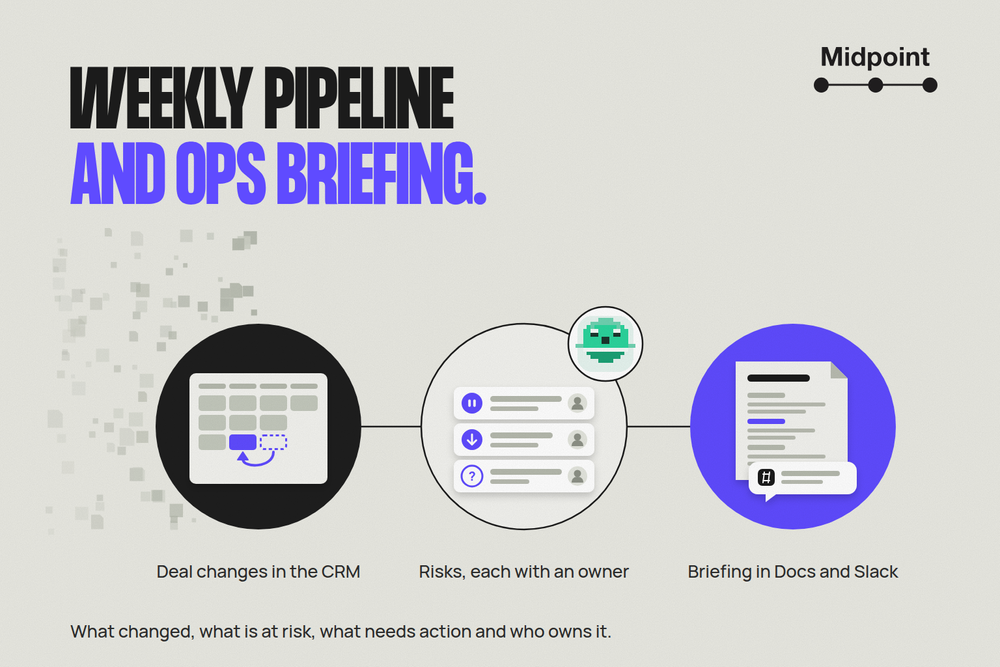
Once triage is structured, you can aggregate themes into weekly summaries, push recurring issues into product planning, and generate a digest in Google Docs. If you want deeper analytics, ship structured event data into BigQuery or PostgreSQL. Support stops being chaos and becomes a signal pipeline.