The Hidden Tax on Your Business: Manual Work You Forgot You Still Do
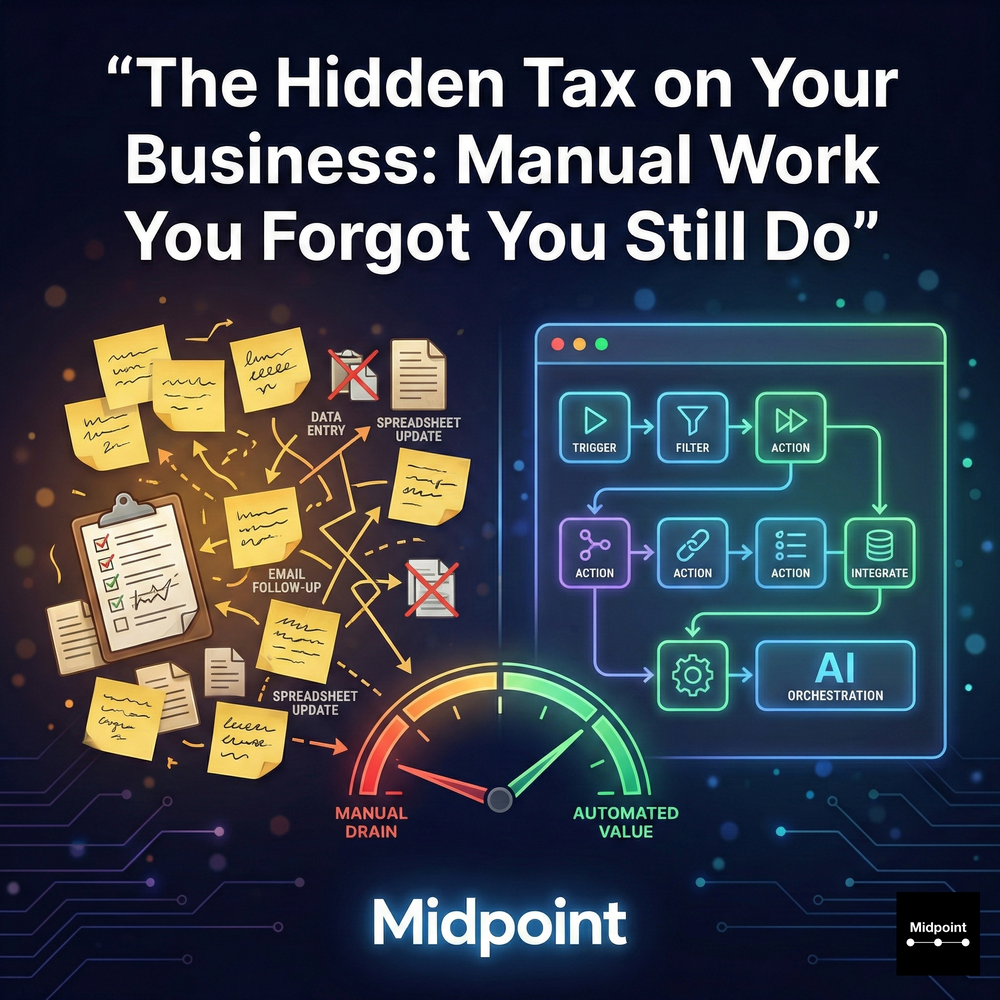
1) The Hidden Tax You Never Approved
Most companies can point to their biggest line items, payroll, software, rent, paid media. The hidden tax is harder to see because it is paid in fragments, five minutes here, twenty minutes there, across every team. It shows up as manual work that “just has to happen”: copying data between tools, reconciling mismatched fields, chasing approvals in chat, rebuilding weekly reports, and re-keying the same information from email into a CRM. This is business process automation territory, but it is usually treated like personal productivity. The result is predictable: workflow automation never becomes a system, and operational efficiency never compounds.
Once you have measured those fragments, use the AI workflow automation ROI calculator to separate nominal time savings from realizable, risk-adjusted value and full operating cost.
2) Where Manual Work Hides in Plain Sight
The biggest offenders are the workflows you repeat so often they stop feeling optional: lead capture automation that still requires someone to clean a form submission, enrich it, and route it to the right owner; an inbound sales inbox that depends on humans to classify intent, update deals, and post next steps; support triage that breaks when language, urgency, or categorization changes; daily reconciliation that lives in someone’s head instead of a scheduled digest. These are not “misc tasks,” they are workflow orchestration problems across integrations, data sync, notifications, and approvals. If your team relies on ad hoc copy-paste, shadow spreadsheets, and Slack pings to make the handoffs work, you are paying the tax daily.
3) Why DIY Automation Often Stalls
Platforms like Zapier, Make, n8n, IFTTT, and Microsoft Power Automate can be effective, but many organizations hit the same wall: building is not the hard part, keeping automations reliable is. The moment a field changes, an API rate limit hits, or a connector behaves differently, a workflow becomes a silent failure. Without monitoring and observability, audit logs, error handling, retries and recovery, and clear ownership, “automation” becomes another operational queue. This is why teams accumulate half-working automations and then revert to manual work, because it feels safer than debugging a brittle system during a busy week.
4) Midpoint Eliminates the Tax by Owning the Outcome
Midpoint is built for prompt-to-production execution. You describe the intent in natural language, Midpoint asks clarifying questions, wires the integrations across apps, APIs, and databases, then builds, tests end to end, and keeps the workflow running. That “keep it running” part is the difference between a workflow builder and an automation partner. Midpoint’s approach emphasizes production-ready automations: human-in-the-loop approvals where needed, alerts and notifications, troubleshooting with ship-fixes-instantly behavior, and a Dashboard that shows executions in real time. Instead of leaving your team to map fields and chase edge cases, Midpoint delivers managed automation that reduces compute overhead per run, scales instantly, and stays dependable as your stack evolves.
5) Start Small, Then Let the Savings Compound
The fastest way to find the hidden tax is to list the recurring handoffs your team performs weekly, then pick one that touches multiple systems. Good starters are: Form Submit → enriched lead routing to CRM; Sales Email → CRM update plus next steps summary; Support Email → translated task plus on-call alert; Stripe plus QuickBooks → exceptions sheet plus Slack digest; Weekly pipeline and ops briefing → executive brief doc plus Slack summary. These are high-frequency, high-friction workflows with clear ROI: hours saved, fewer errors, faster execution, and better visibility. When workflow automation becomes reliable, it stops being a “tool project” and starts functioning like an operating system for work, one that steadily removes manual work you forgot you were still doing.
More articles
AI Agent Incident Communication Plan: Templates, Cadence, and Evidence
A practical AI agent incident communication plan with severity criteria, stakeholder templates, status cadence, evidence, and follow-up.

AI Agent Data Privacy Checklist: Controls That Hold Up in Production
A practical enterprise checklist for classifying agent data, minimizing access, controlling retention and transfers, redacting evidence, reviewing vendors, and proving incident readiness.

AI Agent Observability Tools Compared: A Practical Buyer Guide
Compare eight AI agent observability approaches by traces, tool calls, evaluations, cost, privacy, alerts, deployment, and OpenTelemetry support.