Zapier Works Until It Doesn’t: The Reliability Gap Nobody Talks About
1) The Automation Honeymoon Ends Quietly
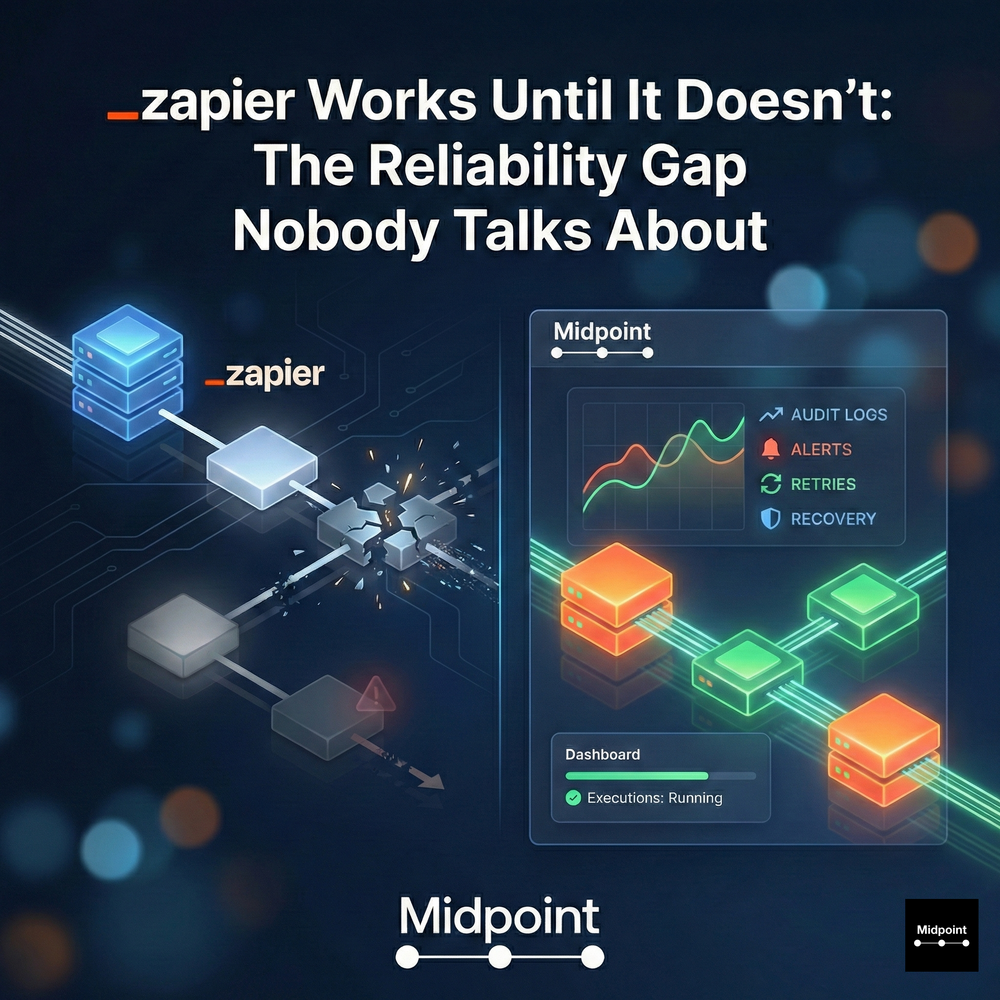
Automation platforms are easy to love in week one. A few integrations connect, a couple of automated workflows ship, and suddenly the manual work feels optional. Then the honeymoon ends, usually without a dramatic crash. It ends with a missed alert, a lead that never routes, a task that never gets created, or a report that quietly stops refreshing. In most organizations, workflow automation fails in silence, and that is the reliability gap nobody budgets for. The gap is not about building a workflow once. It is about maintaining production-ready automations as systems change, teams grow, and workflows become mission-critical.
2) Where Zapier and DIY Builders Typically Break
Zapier is often the first stop because it makes workflow orchestration feel accessible. But the same pattern shows up across DIY automation tools like Make, n8n, IFTTT, and Microsoft Power Automate: the more “real” the workflow, the more fragile it becomes. API integrations evolve, auth expires, fields get renamed, rate limits appear, and edge cases multiply. Without strong monitoring and observability, audit logs, error handling, retries and recovery, and clear ownership, you end up with a new operational queue: someone has to babysit automations. That is when teams drift back to copy-paste, ad hoc spreadsheets, and Slack pings, because manual work feels more predictable than a workflow builder that fails quietly.
3) Reliability Is a Product, Not a Checkbox
The difference between a helpful automation and a dependable system is governance and visibility. Reliability demands alerts and notifications that fire before downstream damage, complete audit trails that show what happened and when, and a Dashboard that makes executions observable in real time. It also demands practical controls: human-in-the-loop approvals where risk is high, role-based permissions and access controls, and a security posture that holds up in a vendor review. This is why “automation ROI” discussions often miss the most expensive part: the cost of silent failure and manual remediation, not the cost of building the first version.
4) Midpoint Closes the Gap With Prompt-to-Production Ownership
Midpoint is designed around a simple promise: from prompt to running workflow. You describe your intent in natural language automation, Midpoint asks clarifying questions, wires the integrations across apps, APIs, and databases, builds the multi-step workflows with conditional logic, and tests end to end before production. Then it keeps the system running with continuous troubleshooting, observability, and ship-fixes-instantly behavior when something breaks during execution. That is the difference between an integration platform you configure and a managed automation partner that owns outcomes. It is also why Midpoint is a better fit for workflows that matter: inbound sales inbox to CRM updates, support triage and translation, lead capture automation with enrichment and routing, billing alerts, scheduled digests like daily reconciliation, and executive briefings that cannot be “mostly reliable.”
5) A Practical Test: Could You Bet a Quarter on This Workflow
If you want to know whether you are past the DIY phase, ask one question: could you bet a quarter on your automation running correctly every day? If the answer is no, you need more than integrations. You need production support, monitoring and observability, audit logs, error handling, and governance that scales. Zapier is still valuable for quick experiments, and it will remain a default for lightweight automations. But the moment workflows touch revenue operations, finance operations, IT tickets, customer support operations, or anything that executives depend on weekly, reliability becomes the product. Midpoint is built for that moment, the point where automation stops being a side project and becomes an operating system for work.
More articles
AI Agent Incident Communication Plan: Templates, Cadence, and Evidence
A practical AI agent incident communication plan with severity criteria, stakeholder templates, status cadence, evidence, and follow-up.

AI Agent Data Privacy Checklist: Controls That Hold Up in Production
A practical enterprise checklist for classifying agent data, minimizing access, controlling retention and transfers, redacting evidence, reviewing vendors, and proving incident readiness.

AI Agent Observability Tools Compared: A Practical Buyer Guide
Compare eight AI agent observability approaches by traces, tool calls, evaluations, cost, privacy, alerts, deployment, and OpenTelemetry support.