Computer-Use AI Agents Without APIs: When Browser and Desktop Automation Is the Right Choice
What Are Computer-Use AI Agents?
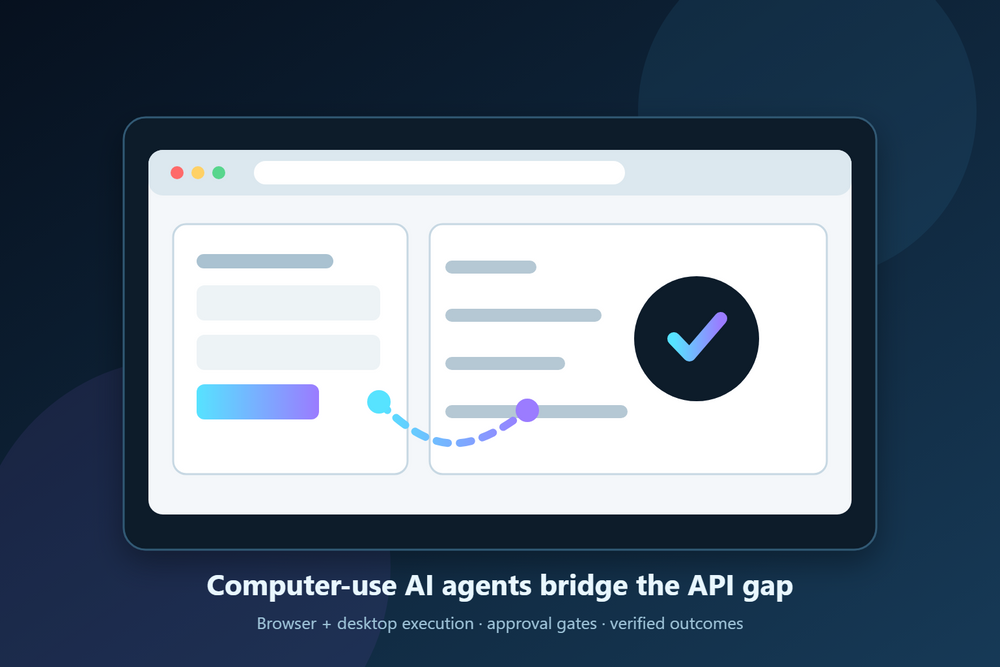
Computer-use AI agents interact with applications the way a person does: reading the screen, clicking controls, entering data, and moving between browser or desktop windows. They are useful when a legacy application, vendor portal, or internal tool has no suitable API.
A read-only supplier order check is a narrower starting point: compare the open-order sheet with the portal and return mismatches without changing the orders.
Public research is another bounded first job. A checked competitor pricing digest follows named offers, compares their currency and billing terms, and keeps unclear matches separate from confirmed price changes.
Decision Framework
Use computer interaction when a human can complete a bounded task through the UI, no stable API supports the required action, and the value of automation exceeds UI-maintenance cost. Prefer APIs when they are stable and complete: they are faster, more deterministic, easier to test, and provide structured errors. A practical system can combine both, routing each step to the safest available interface.
Reliability Controls
UI automation must verify outcomes rather than assume clicks succeeded. After each action, check for a concrete state change: a value saved, a confirmation shown, or a record created. Add bounded retries, explicit timeouts, screenshots, step logs, and a safe stop when the application diverges from the expected path. High-impact workflows should begin with small batches.
Security and Approval Model
Run agents in isolated browser sessions or virtual desktops. Apply least privilege to accounts, restrict navigation with allowlists, inject secrets only at runtime, and keep complete logs. Require human approval before consequential actions such as sending external messages, submitting transactions, deleting data, or changing customer records.
Common Failure Modes
Popups can hide controls, layouts can change, sessions can expire, and slow pages can create false failures. Mitigate these with session health checks, structured recovery paths, retry limits, screenshot-based diagnosis, and deterministic verification. If the agent cannot prove the expected outcome, it should stop rather than continue blindly.
Concrete Examples
- Carrier portal submission: upload documents, enter structured coverage data, pause for approval, submit, and retain screenshots.
- Legacy ERP purchase order: enter spreadsheet line items into a desktop client, attach the vendor quote, and route for approval.
- Cross-system operations: read from a modern API, update a no-API vendor portal through the browser, then verify the result and write it back to the system of record.
Implementation Checklist
- Choose a bounded workflow with clear start and success states.
- Document every action and expected outcome.
- Use an isolated environment and least-privilege account.
- Allowlist approved applications and domains.
- Verify every step deterministically.
- Set retry and timeout limits.
- Capture logs and screenshots.
- Add approval gates for consequential actions.
- Test small batches before scaling.
- Monitor UI changes and failure rates.
Frequently Asked Questions
Can computer-use agents operate desktop software?
Yes. They can work in controlled virtual desktops or remote desktop sessions as well as browsers.
Are they as fast as APIs?
Usually not. UI actions take seconds rather than milliseconds, so APIs remain preferable for high-throughput work.
What happens when the interface changes?
The agent may fail verification and stop. A maintained workflow needs monitored failures and targeted updates rather than unlimited retries.
Can this be audited?
Yes, when every step records timestamps, inputs, outcomes, screenshots, and approvals.
Automate the Systems APIs Cannot Reach
Midpoint combines API integrations with controlled browser and desktop execution so workflows can cross modern SaaS, legacy applications, and vendor portals. Learn more on the Midpoint blog or explore Midpoint.
For a practical threat model covering credentials, least privilege, prompt injection, session isolation, approvals, audit logs, and kill switches, use the Browser Automation Security Checklist.
For teams choosing the execution interface for a specific operation, use the browser automation vs API integration decision framework to score capability, reliability, permissions, volume, and maintenance before implementation.
More articles

AI Agent Incident Communication Plan: Templates, Cadence, and Evidence
A practical AI agent incident communication plan with severity criteria, stakeholder templates, status cadence, evidence, and follow-up.

AI Agent Data Privacy Checklist: Controls That Hold Up in Production
A practical enterprise checklist for classifying agent data, minimizing access, controlling retention and transfers, redacting evidence, reviewing vendors, and proving incident readiness.

AI Agent Observability Tools Compared: A Practical Buyer Guide
Compare eight AI agent observability approaches by traces, tool calls, evaluations, cost, privacy, alerts, deployment, and OpenTelemetry support.