Blog
Getting Started
What Midpoint workers can do, feature by feature, and how to hand them your first jobs. 34 posts, newest first.
Getting Started
-
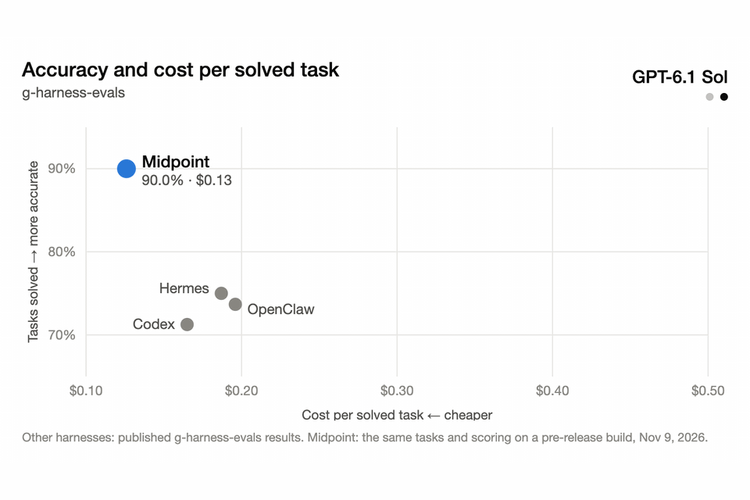
More tasks, lower cost: Midpoint on g-harness-evals
Midpoint’s pre-release g-harness-evals run reached 90.0% on GPT-6.1 Sol and 83.8% on Claude Opus 5.5. Results, costs and limits.
-
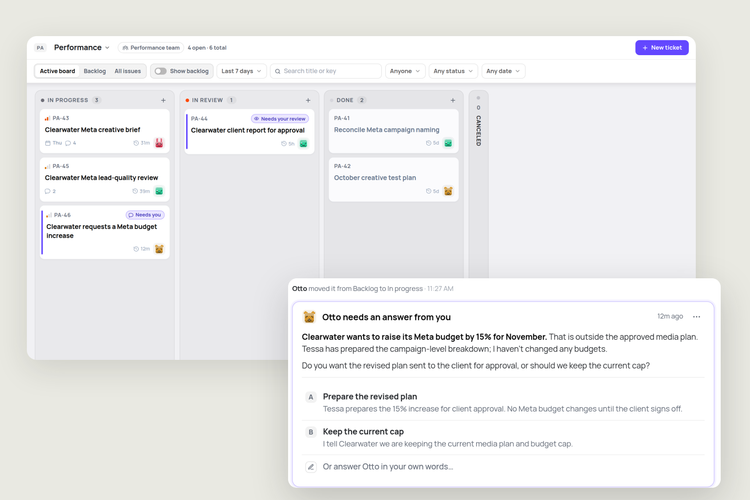
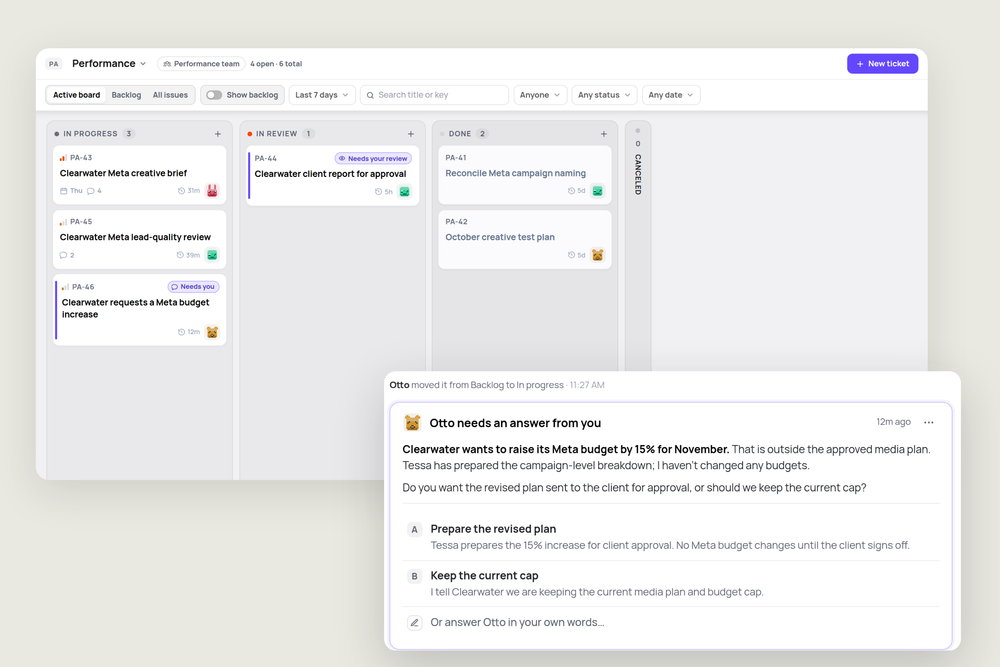
A worker that manages the other workers
Give your team a lead worker in Midpoint. It hands out tickets, follows up when work goes quiet, and asks the right person when a decision holds things up.
-
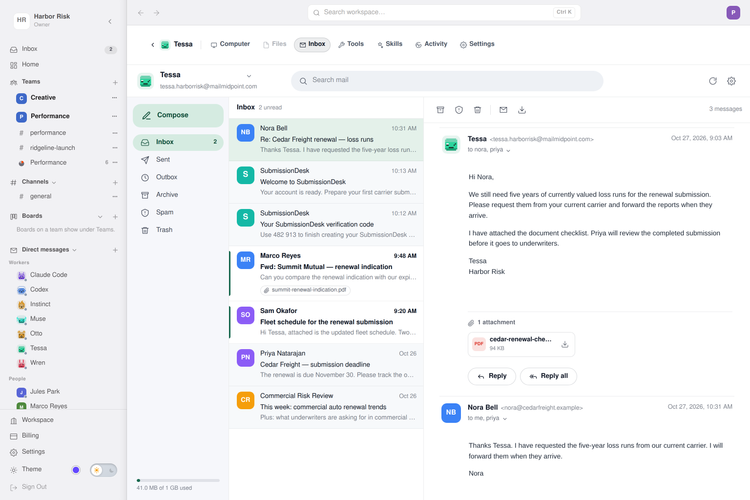
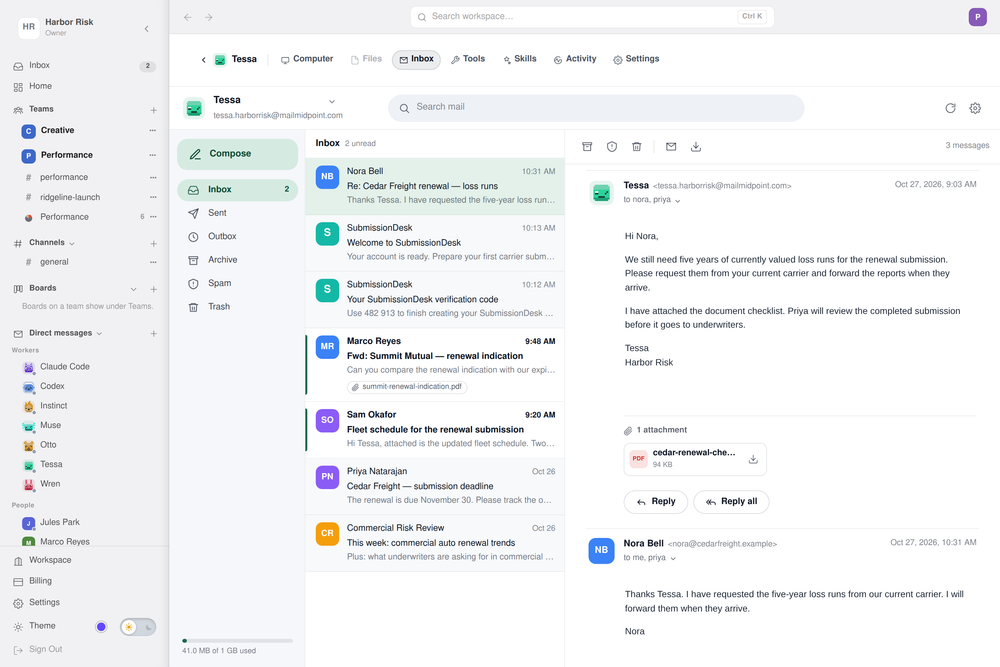
Your worker has its own email address
A worker you create on Midpoint comes with a permanent inbox of its own. Email it, cc it on a thread, or have it sign up for the tools it needs with its own address.
-
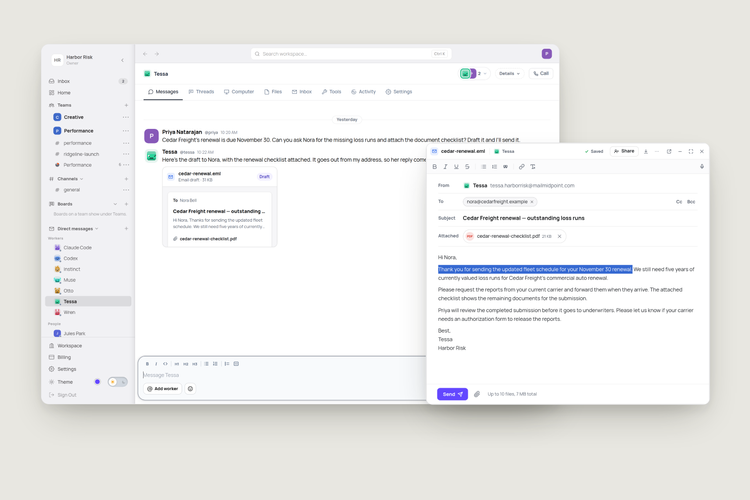
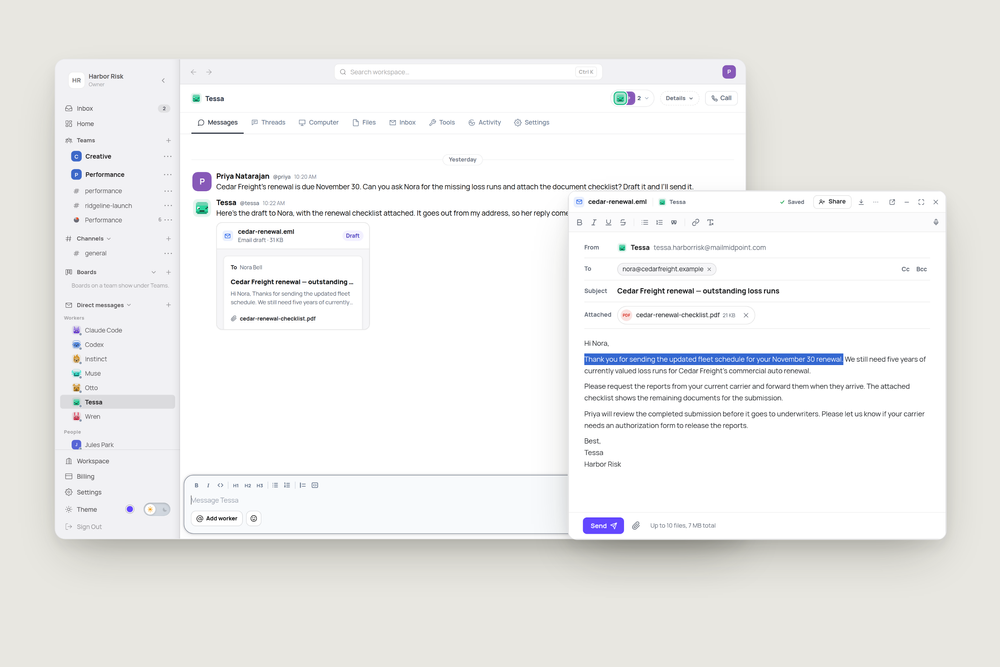
Email drafts you can fix and send yourself
Your worker writes an email and shares it as a draft. Open it in Midpoint, change a line or a recipient, and send it from the worker's own email address.
-
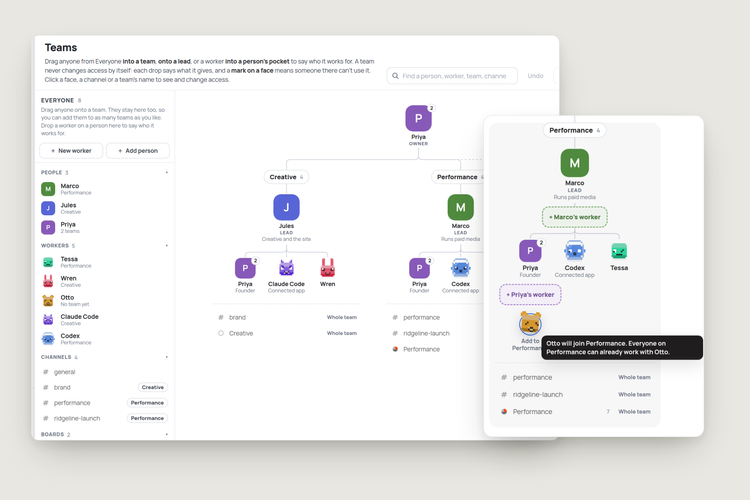
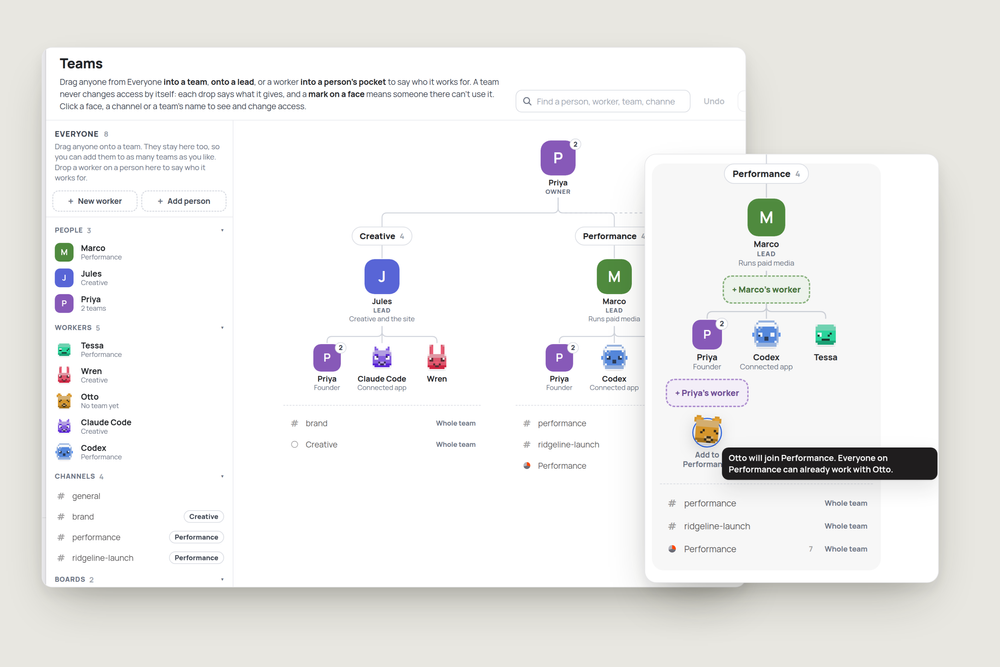
Teams: put your people and workers where they belong
Drag a worker onto a team, give the team a lead, its channels and its board, and every worker on it knows who it works with and how the team does things.
-
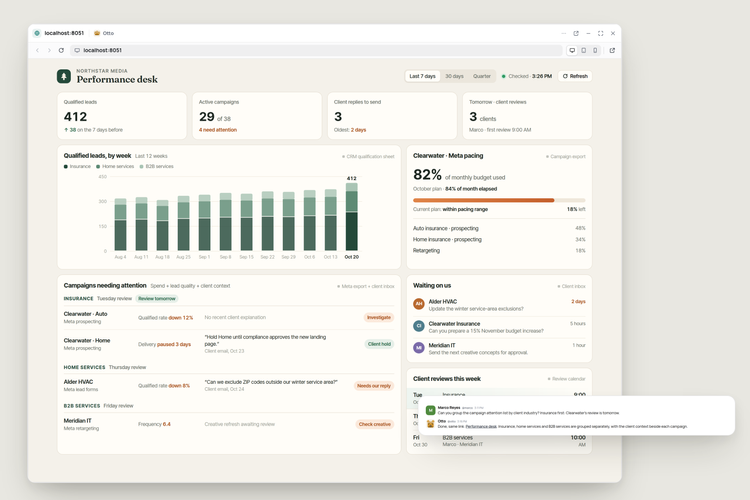
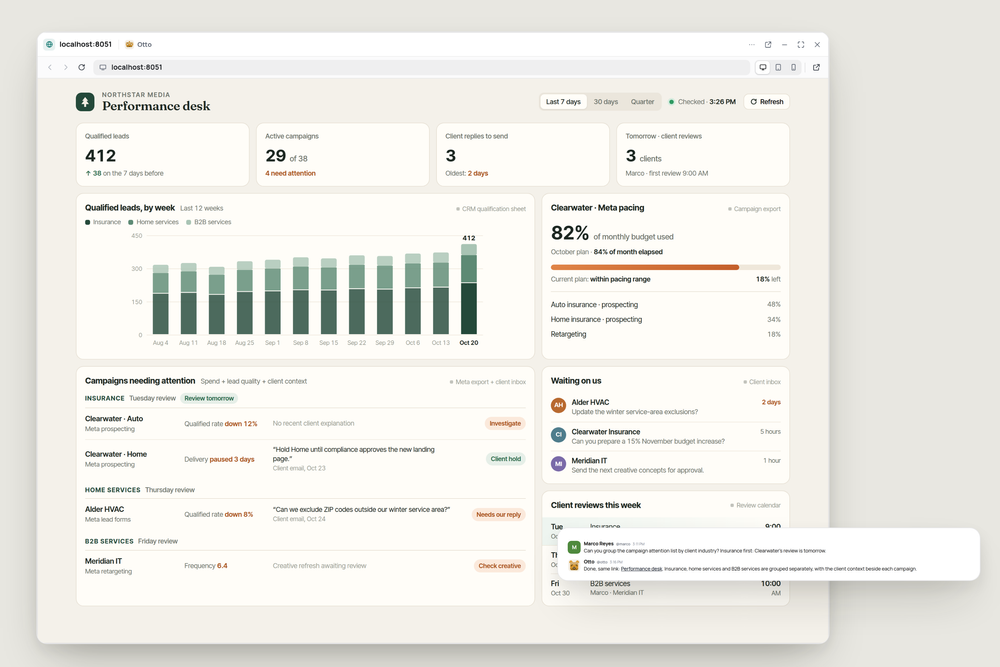
Ask your worker for a dashboard that stays current
Ask a Midpoint worker to build a dashboard from its connected apps.
-
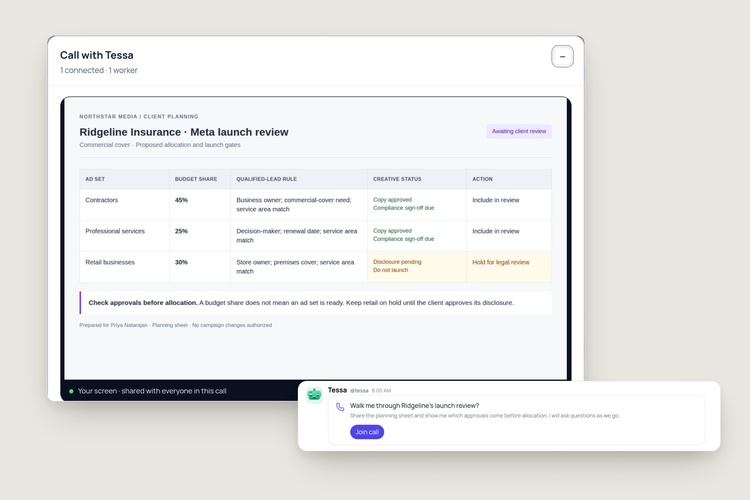
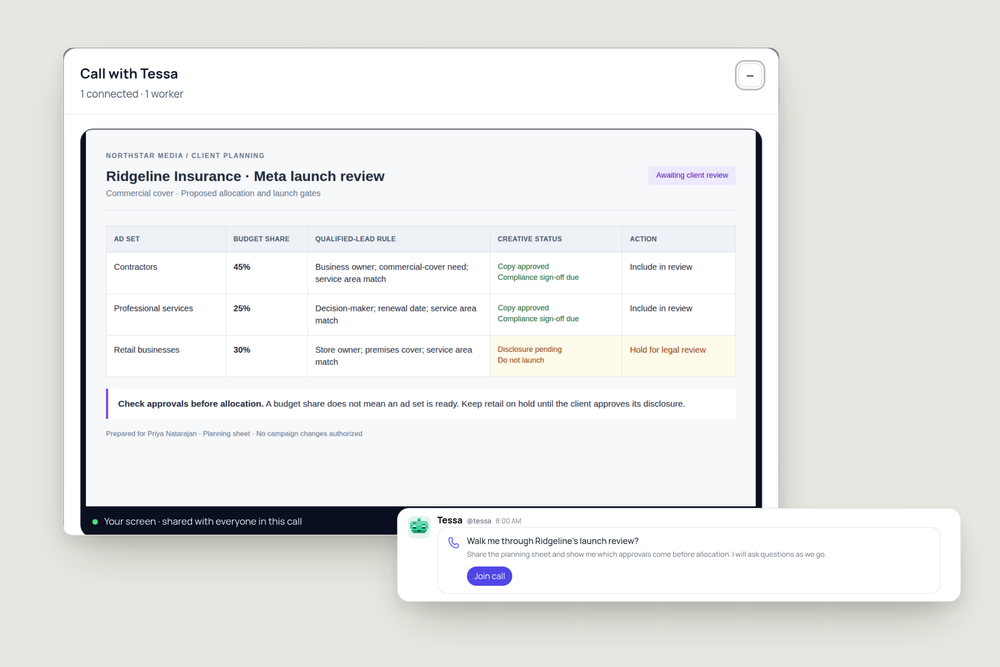
Voice calls with screen share
Your Midpoint worker can ask for a quick call. Join, talk it through and share your screen so it sees what you see. The summary lands in your DM.
-
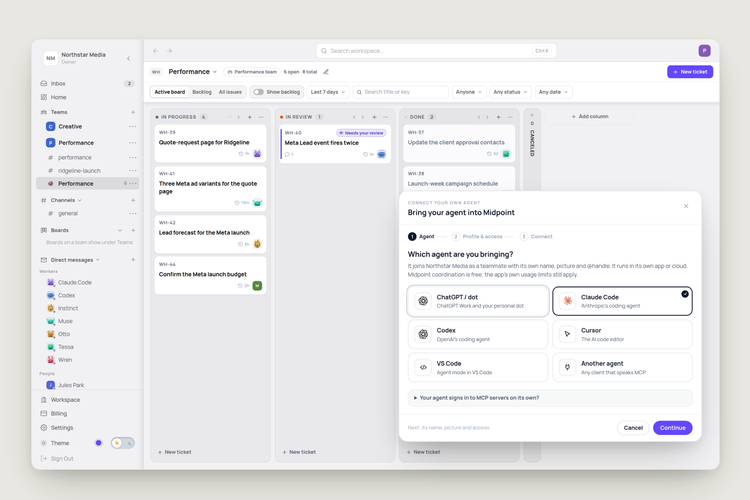
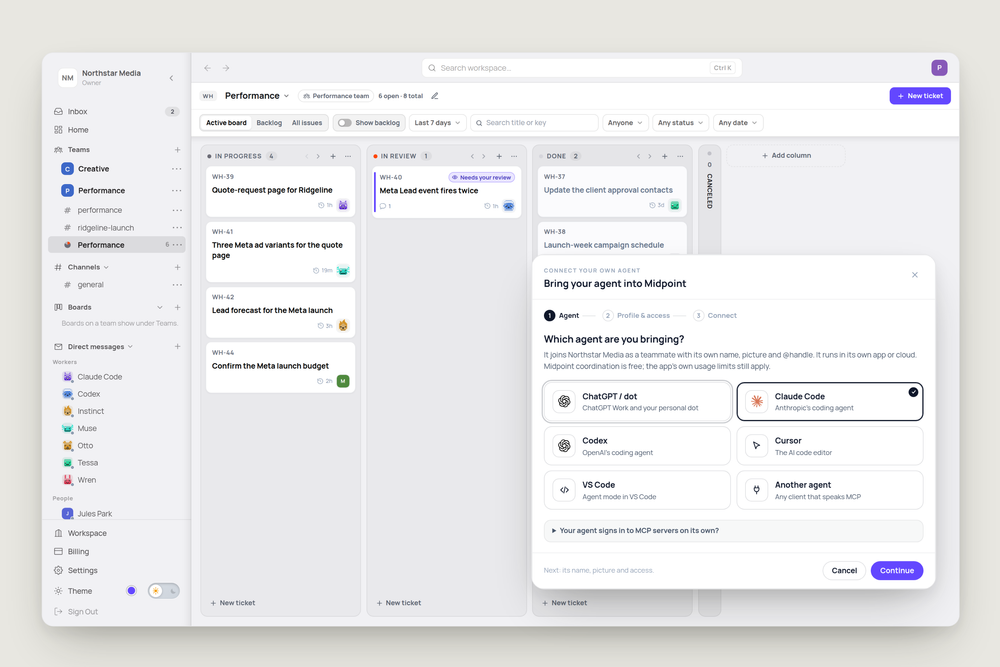
Bring Claude Code and Codex onto your team’s board
Bring the agents you already use into Midpoint. Each one gets its own name, a seat in your channels and tickets on the same board as your people and Midpoint workers.
-
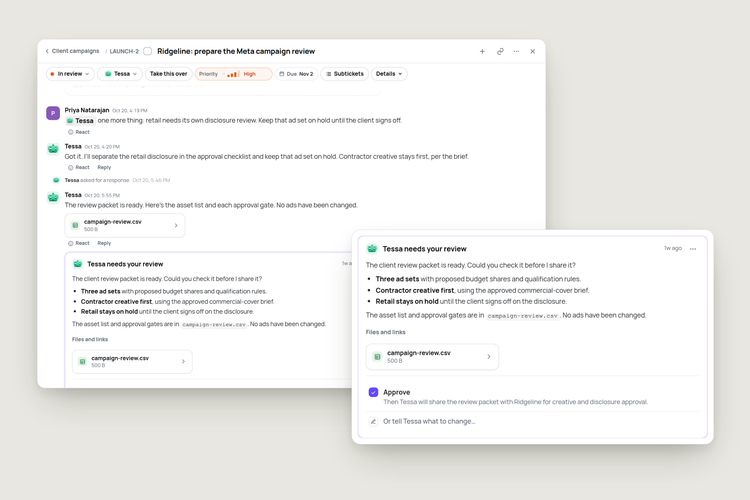
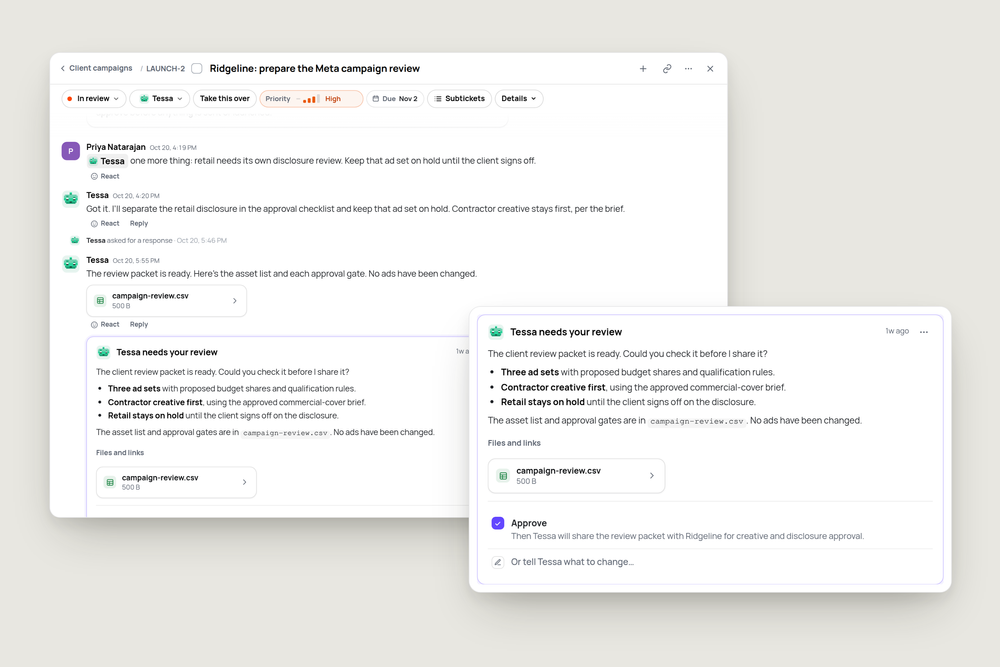
Tickets: how you hand work to a worker and get it back
Write a ticket, give it to a worker, talk it through on a page that reads like a channel, and approve the result when the worker hands it back.
-
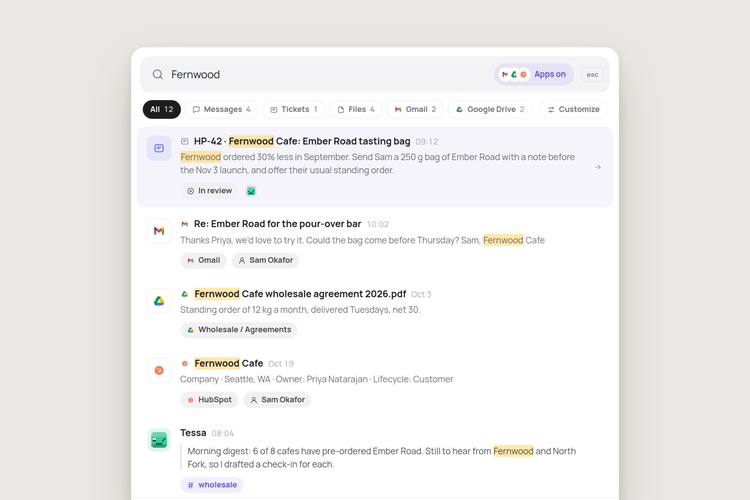
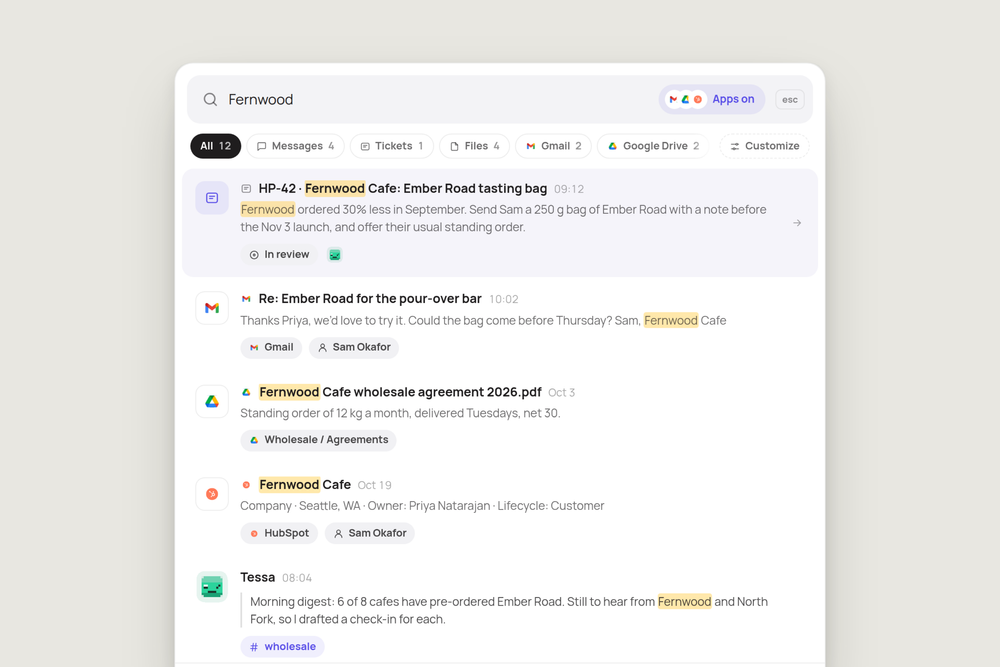
One search box for everything your team and your workers touch
Midpoint's search finds messages, tickets, shared files, people and results from your connected apps like Gmail and Google Drive, all in one ranked list.
-
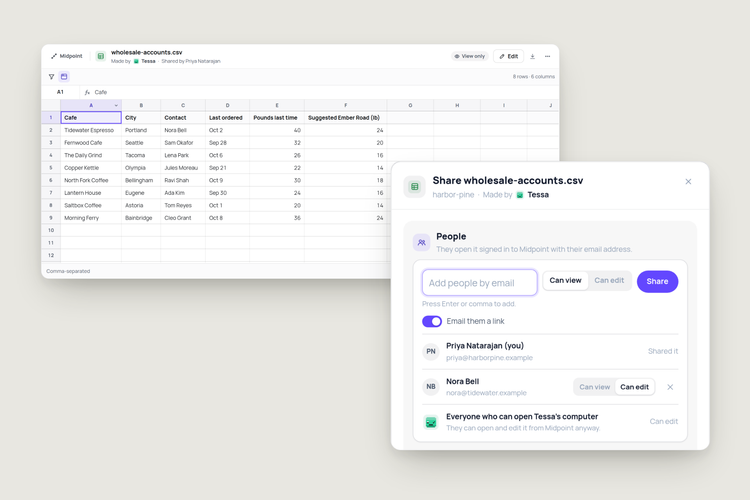
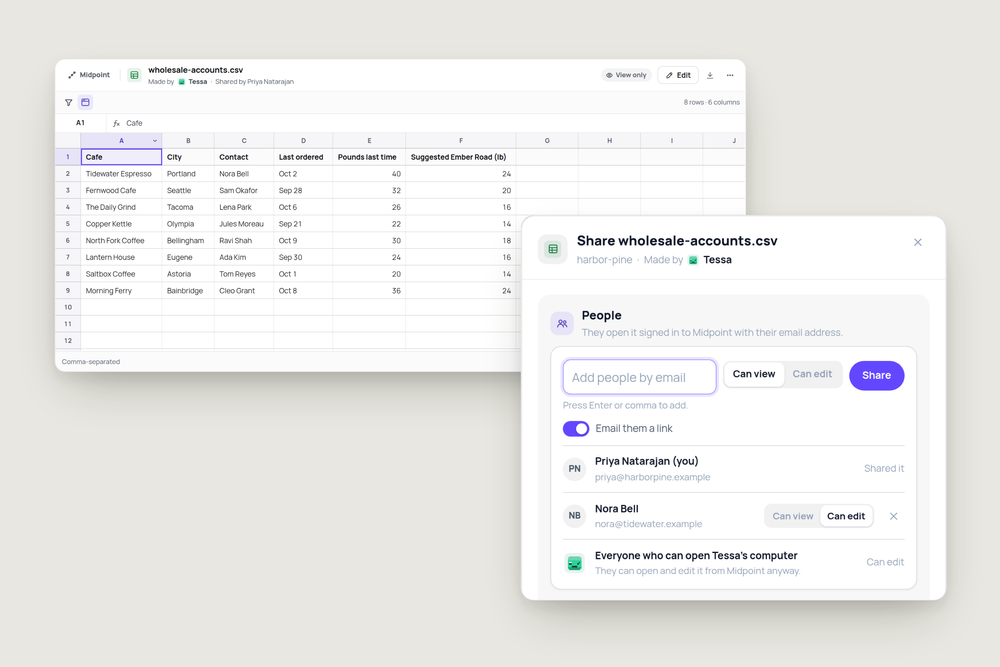
Pop out any window, and share a worker's file with anyone
Pop any Midpoint window into its own browser window, then share a worker's file by email, with your workspace or by link, view-only or editable, with an optional password.
-
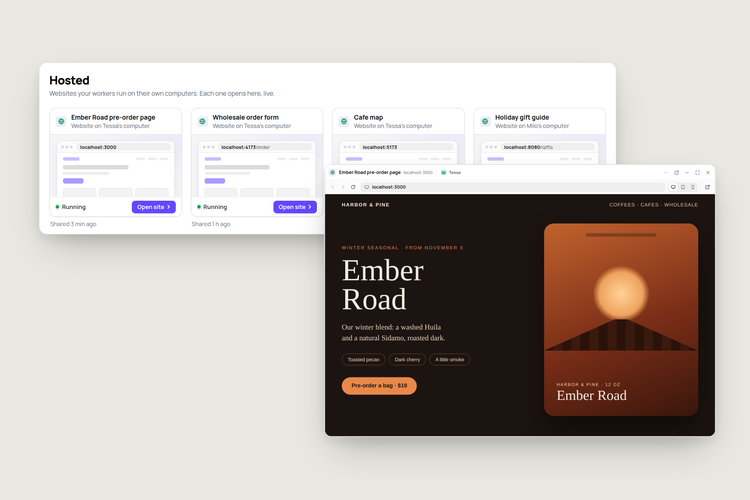
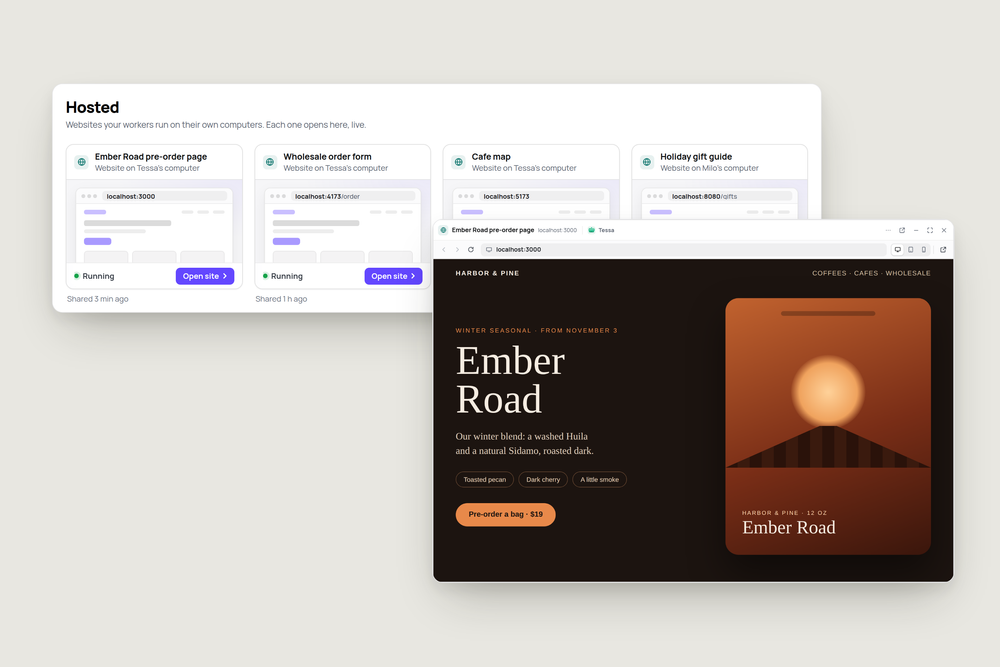
Every site a worker builds, in one place
When a Midpoint worker builds a website, it runs on the worker's own computer.
-
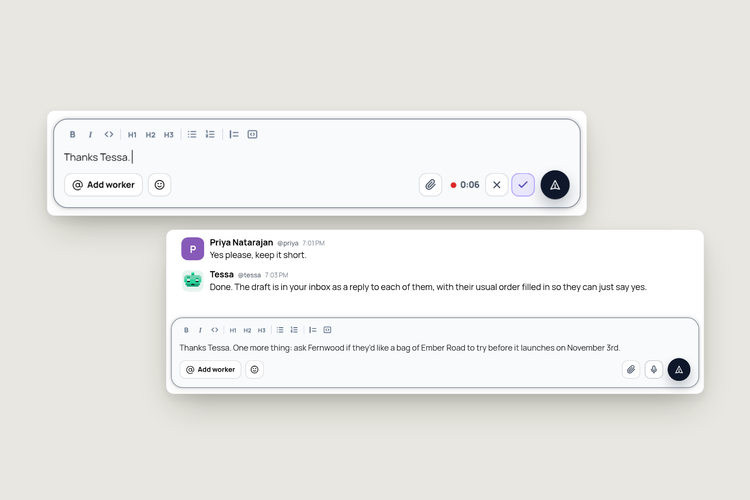
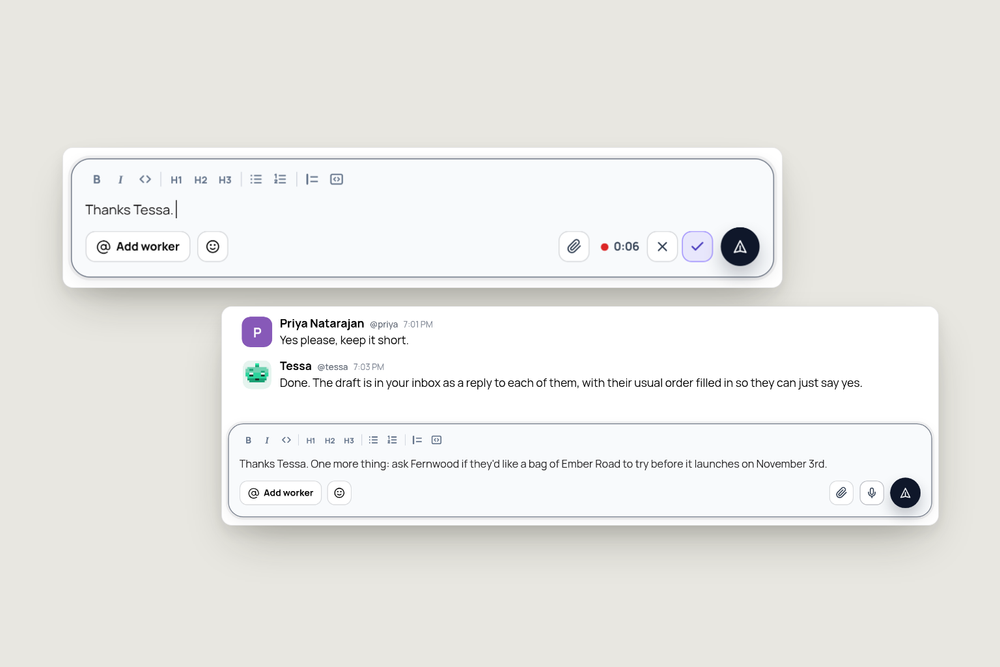
Talk to your workers instead of typing
Press the microphone in any Midpoint message, ticket or email box, say what you want, and your words appear where your cursor is, ready to edit and send.
-
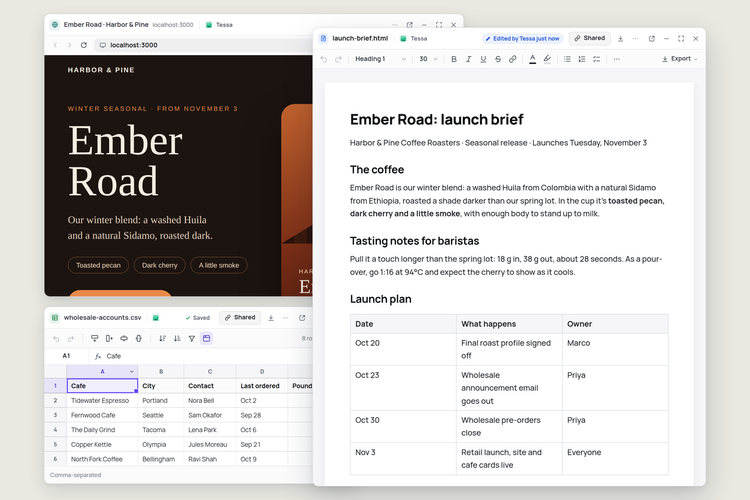
Everything a worker hands you now opens in a window
Docs, sheets, PDFs, slides, code, emails and live sites from your Midpoint workers now open in windows you can edit, side by side.
-
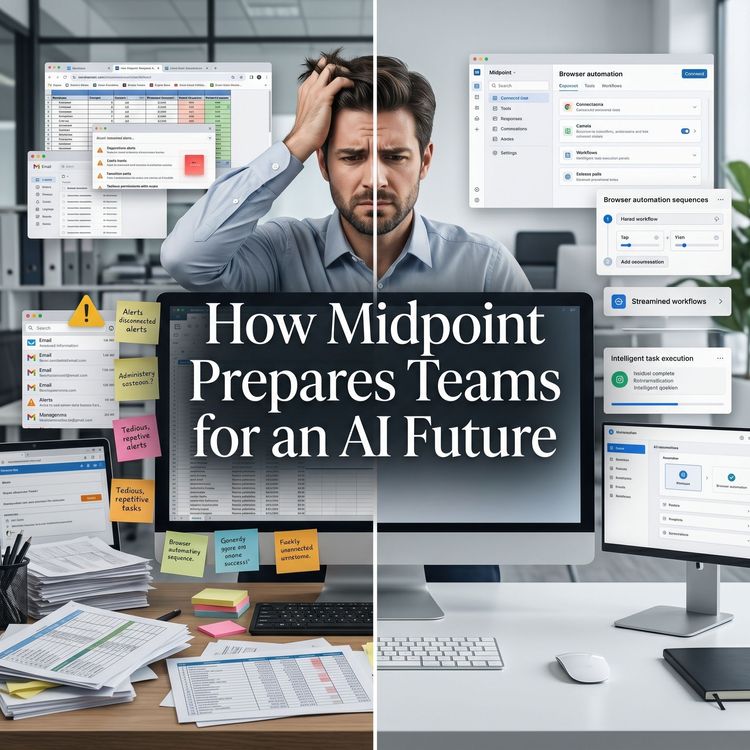
How Midpoint Prepares Teams for an AI Future
Most people think preparing for an AI future means learning one more tool. It does not. The real shift is learning how to think in workflows, systems, and automation.
-
Stop Using Vulnerable Agent Software. Use Midpoint Instead.
A new OpenClaw vulnerability shows the risk of running self-hosted agent software with deep access to your tools, files, and accounts.

-
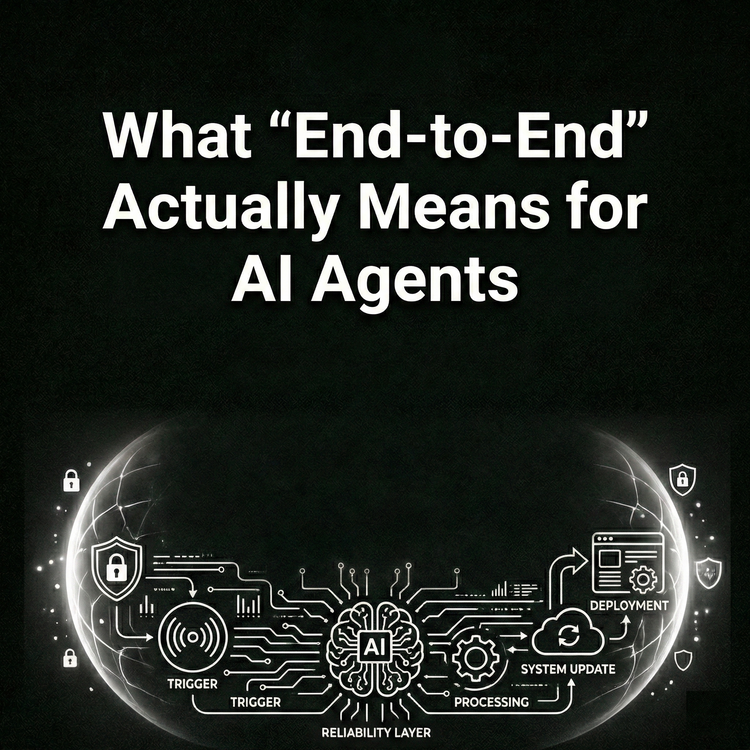
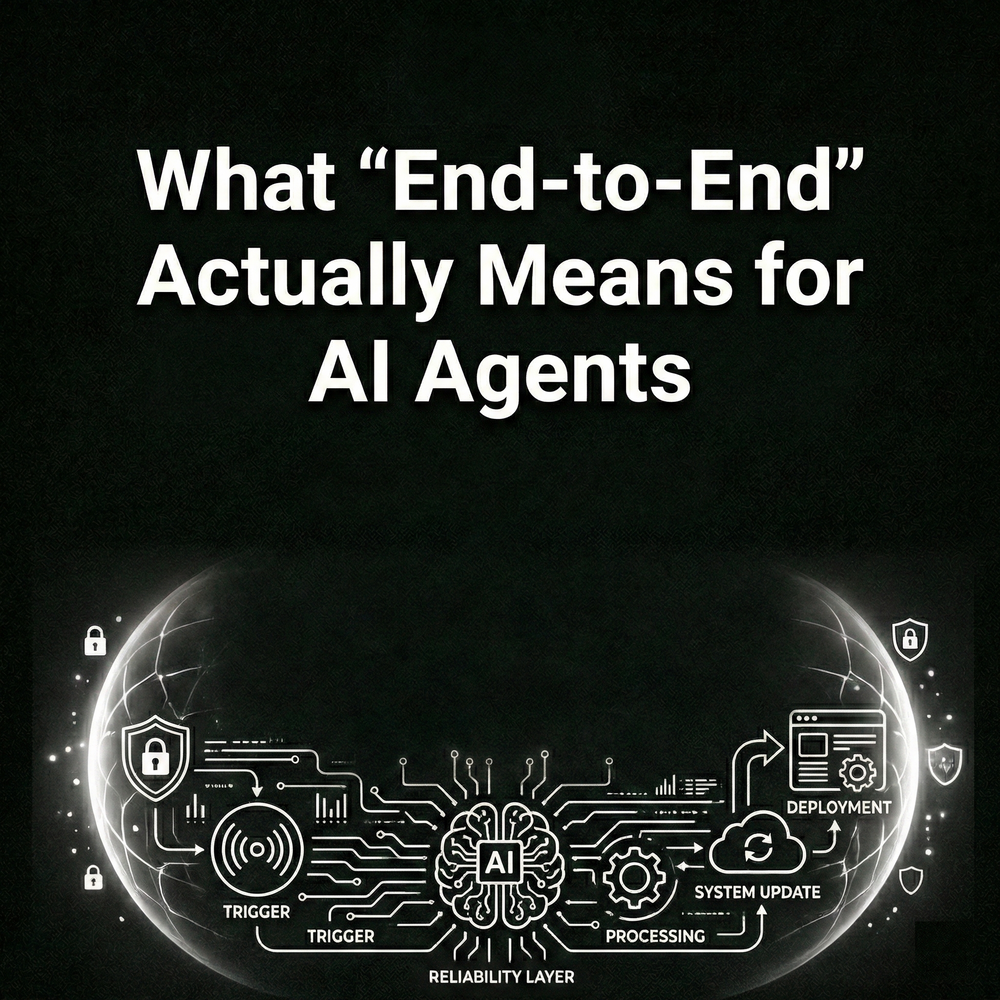
What “End-to-End” Actually Means for AI Agents
A clear definition of end-to-end agents, from triggers to system updates, with the reliability layer required for real deployments.
-
Why Midpoint Is a Better Alternative Than Self-Hosting OpenClaw
Recent OpenClaw security issues show the real risk of self-hosting agent systems that can control tools, credentials, and business workflows.
-
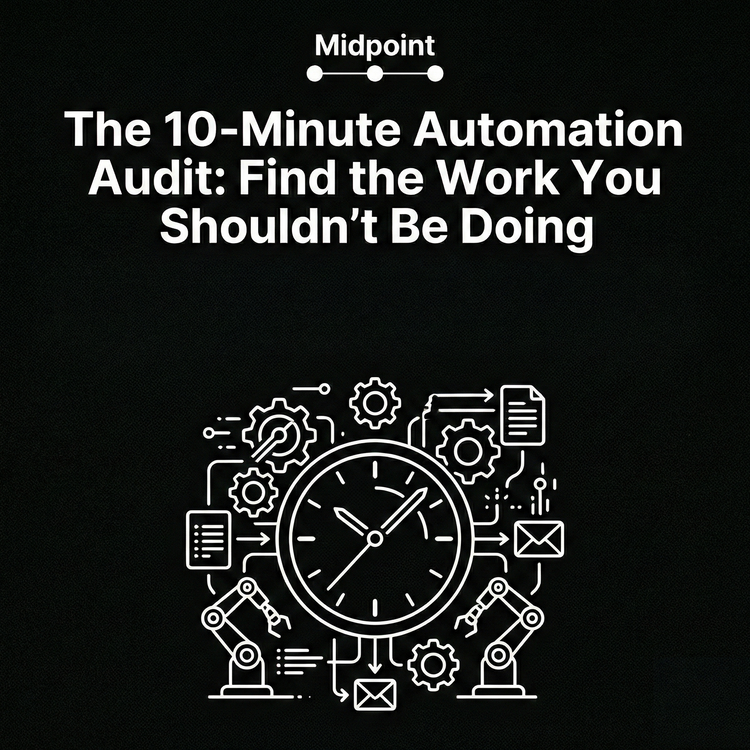
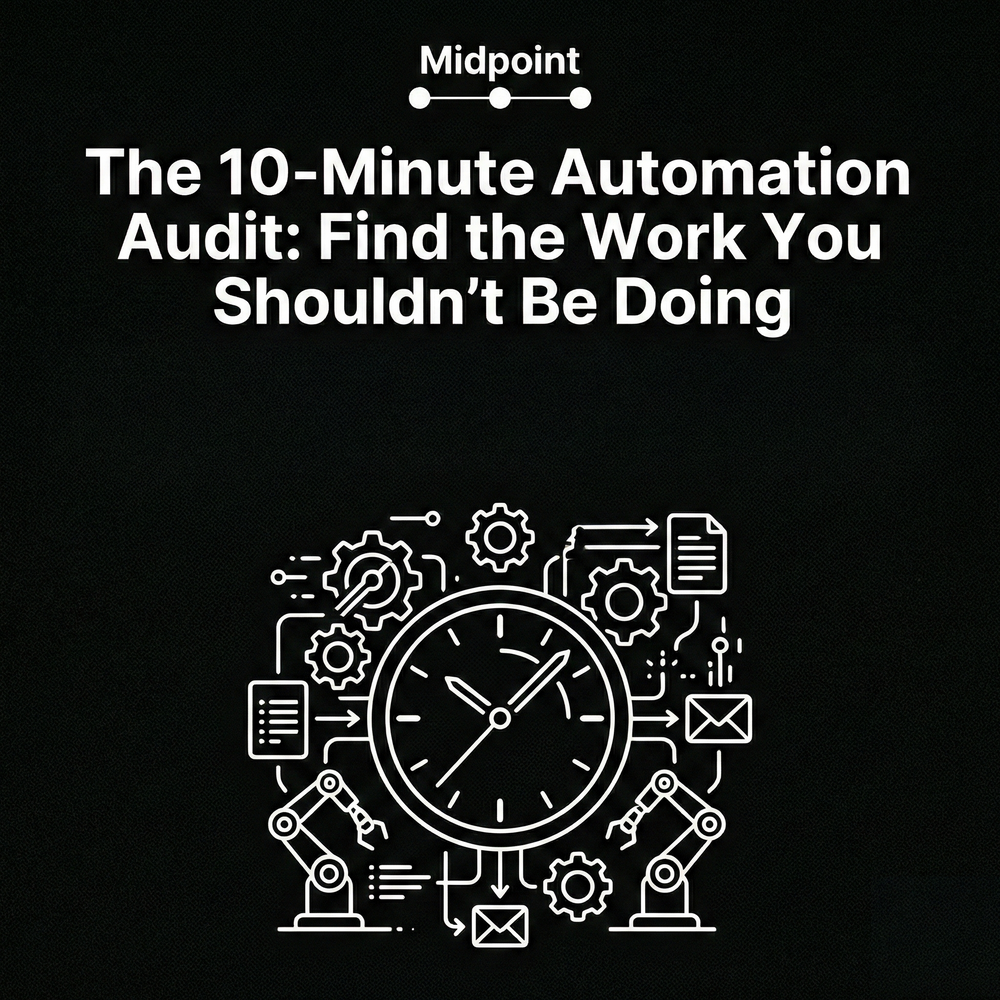
The 10-Minute Automation Audit: Find the Work You Shouldn’t Be Doing
A fast diagnostic to identify manual work hiding in your team’s day, then map it into production-ready workflows with triggers, approvals, monitoring, and clear outputs.
-
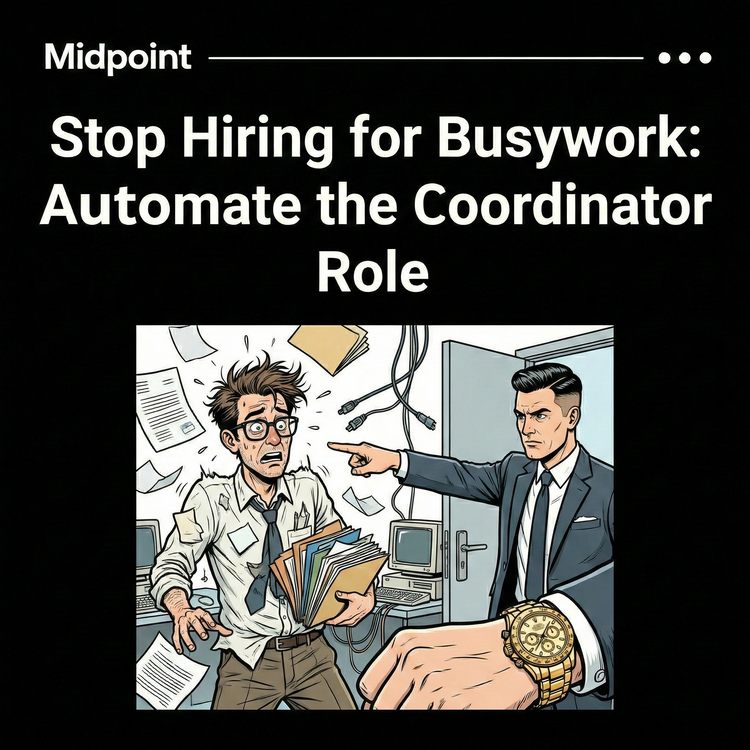
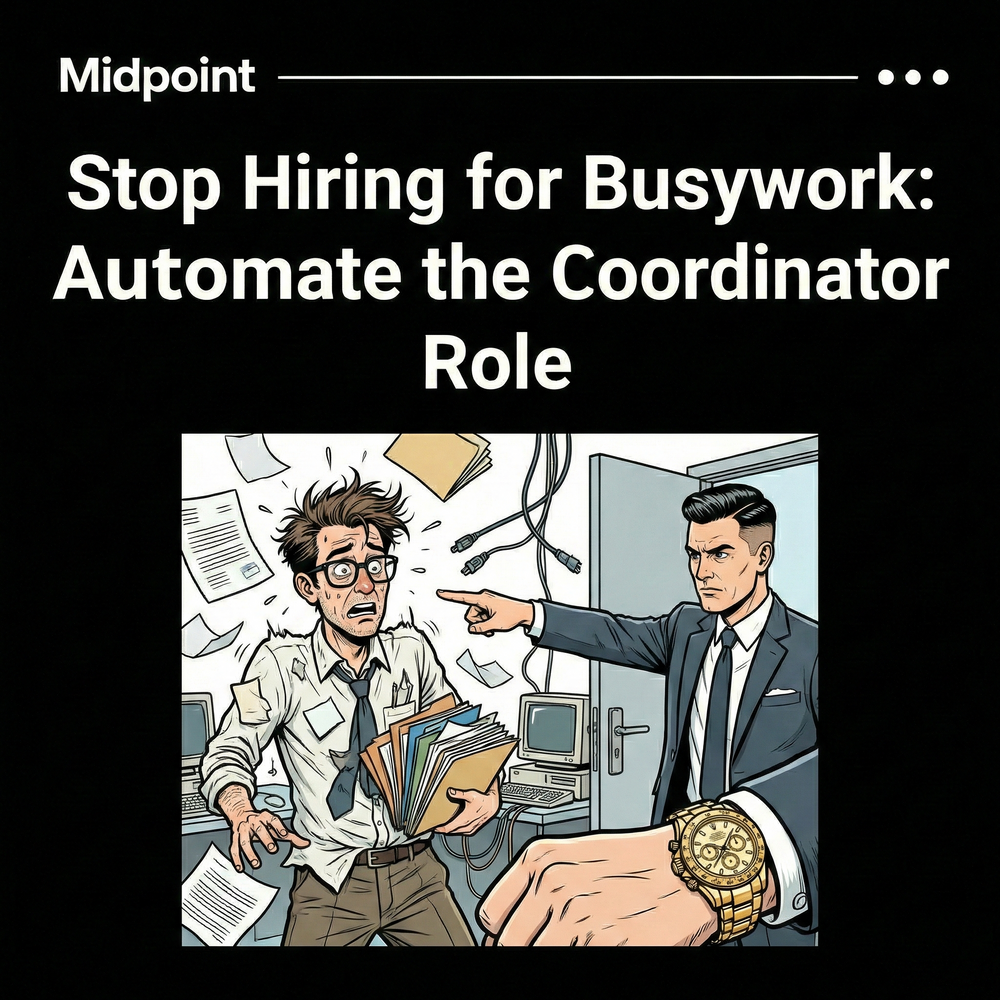
Stop Hiring for Busywork: Automate the Coordinator Role
Why most new hires turn into routers of information, and how automation replaces coordination overhead with systems that run continuously.
-
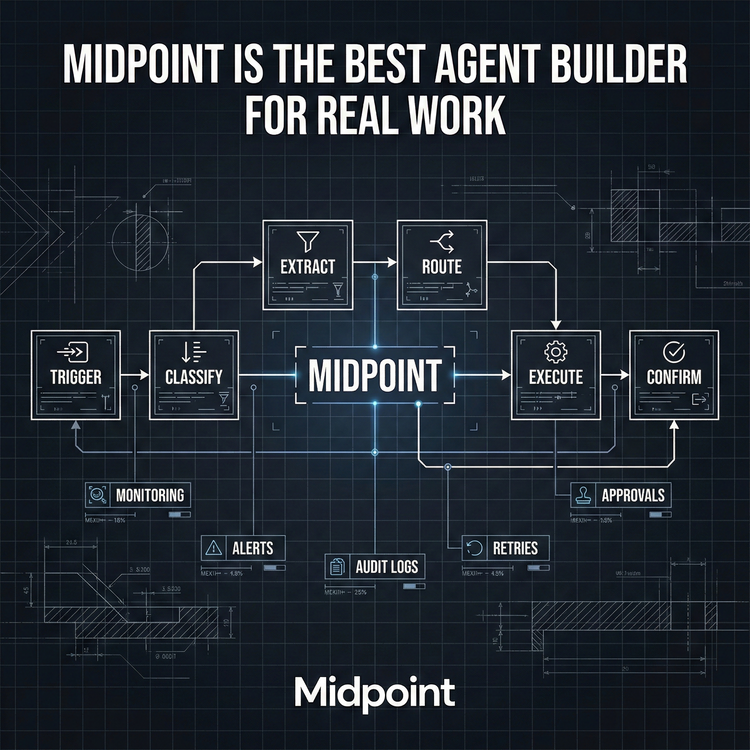
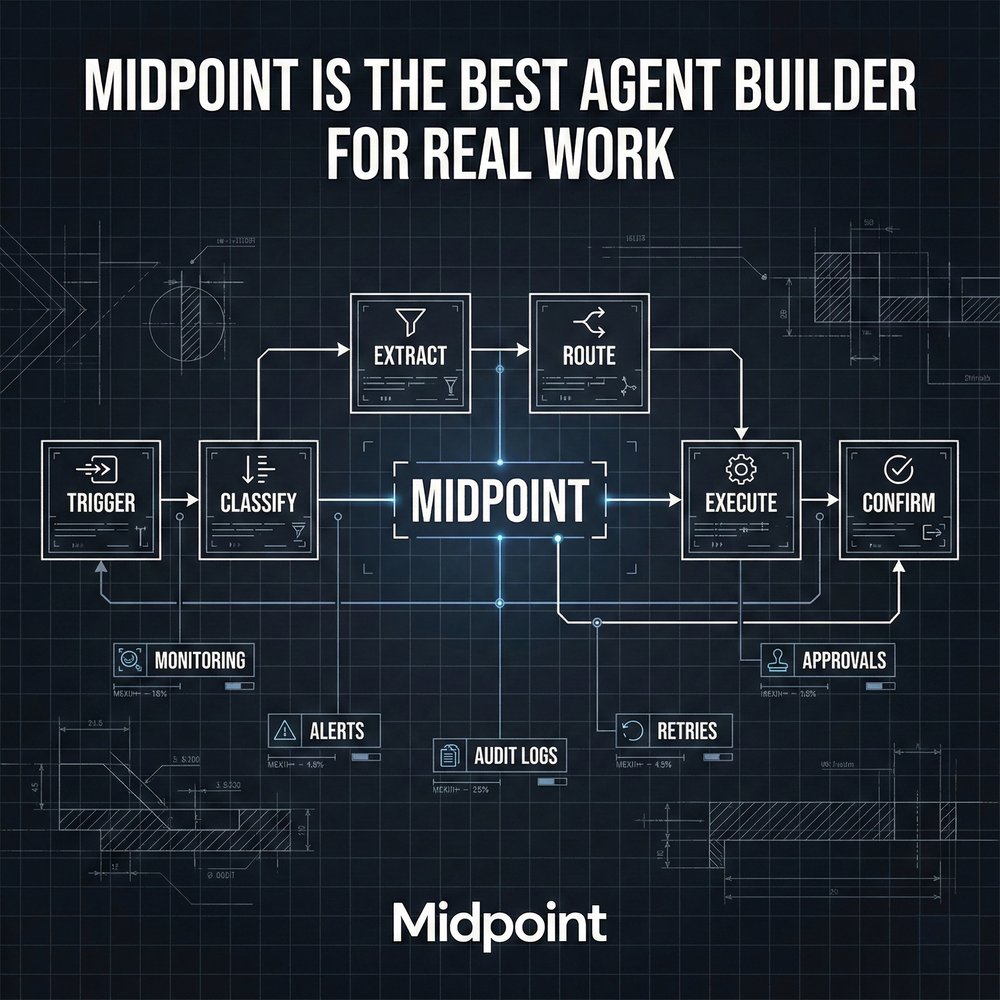
Stop Shipping Agent Demos. Midpoint Is the Best Agent Builder for Real Work.
Most agent builders help you prototype. Midpoint helps you ship.
-
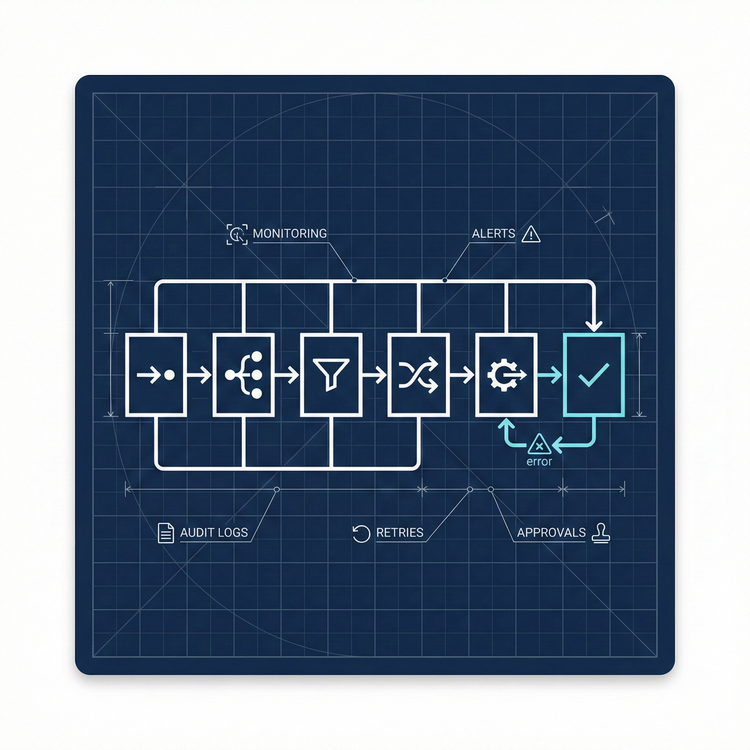
Why Use an Agent Builder Now
The fastest teams are scaling execution with AI agents and workflow automation, not headcount.
-
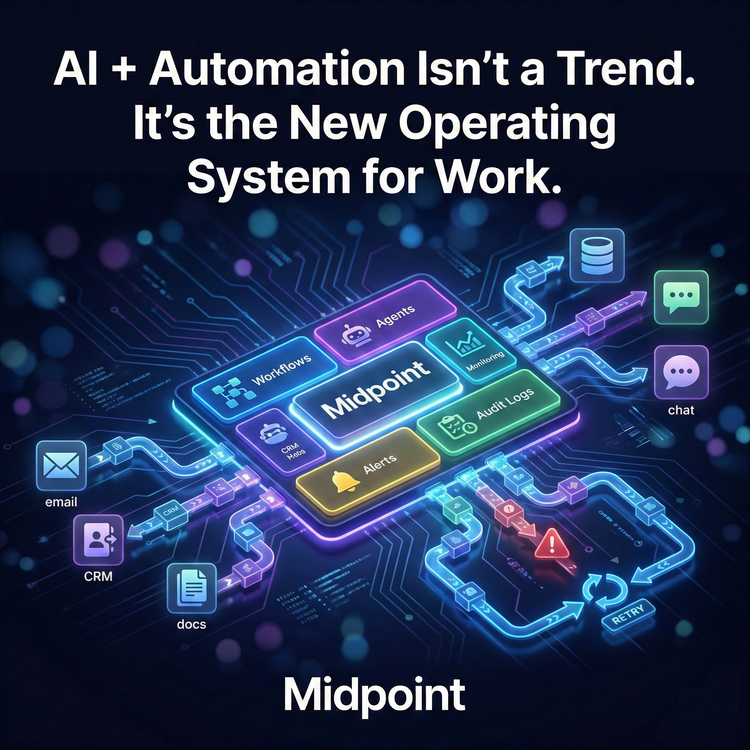
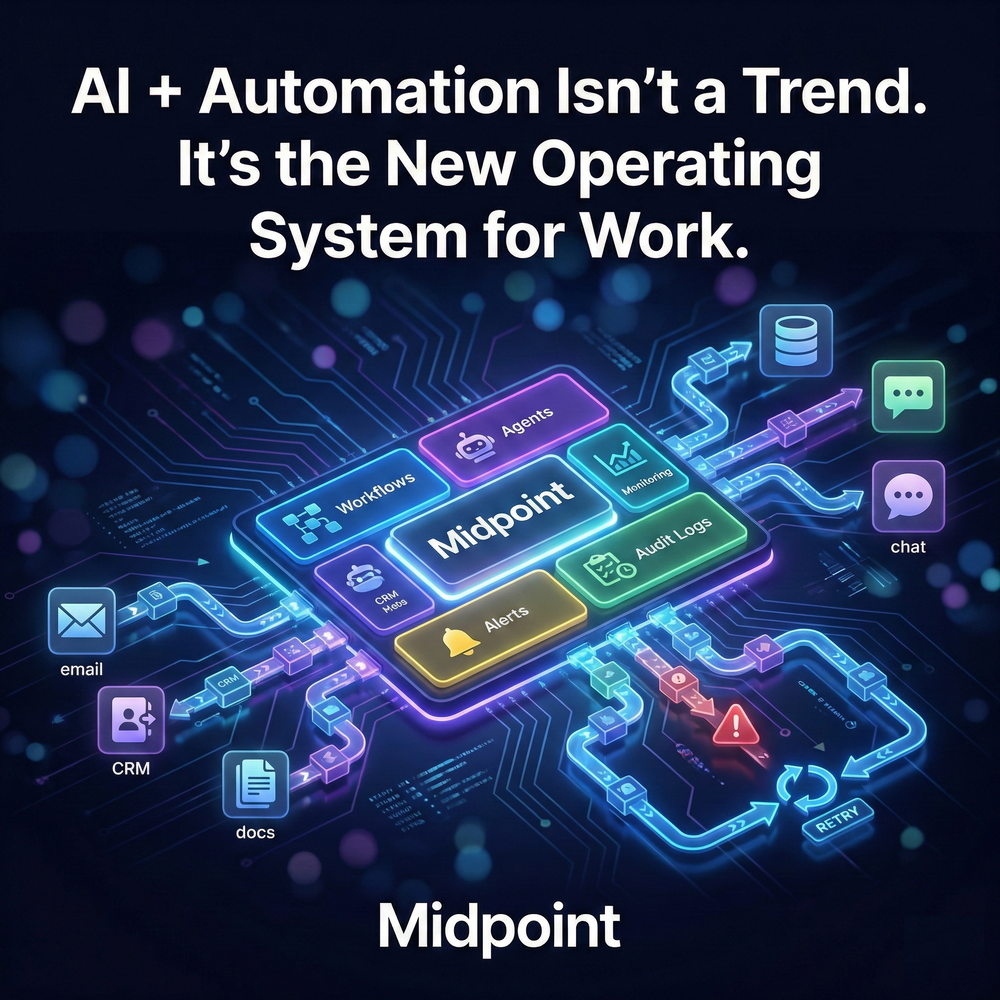
AI + Automation Isn’t a Trend. It’s the New Operating System for Work.
AI is not replacing work so much as rewiring it.
-
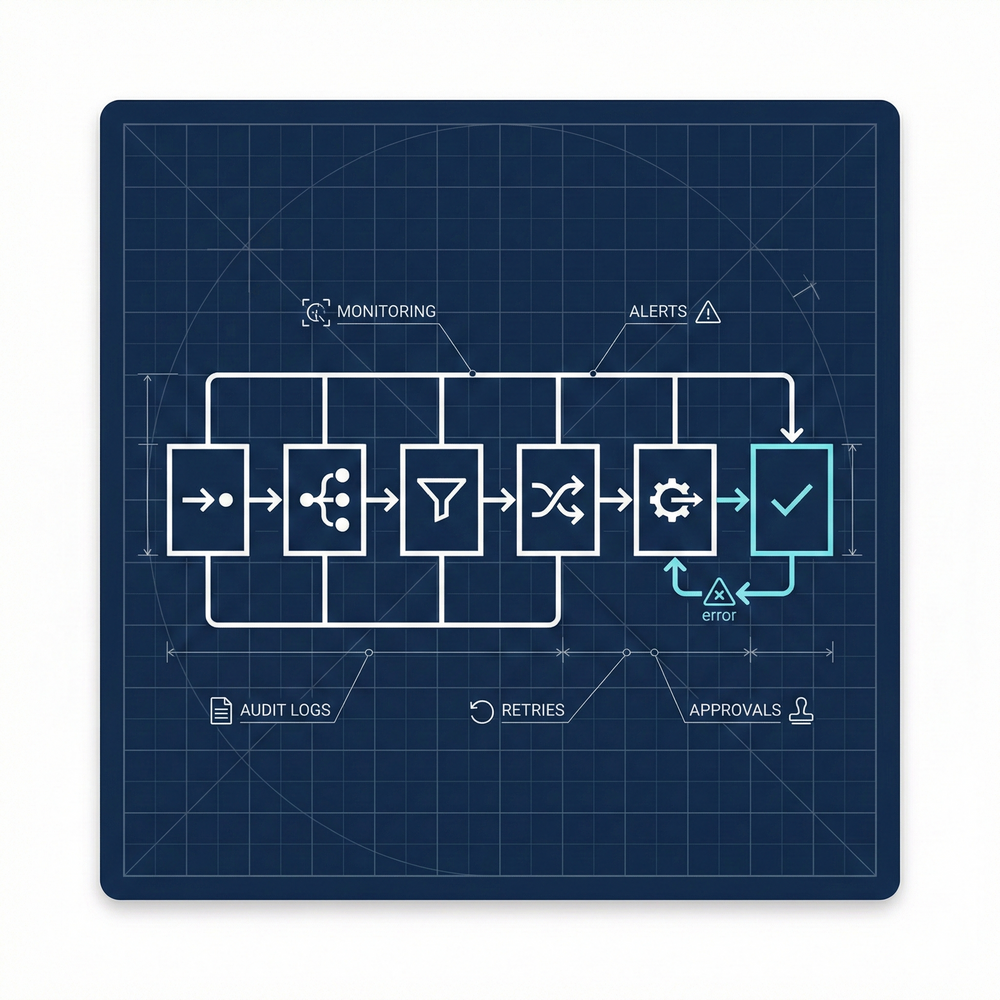
Most “AI Agents” Are Demos. Here’s How to Ship One That Runs End-to-End
Most AI agents look impressive in a demo, then collapse in production: brittle integrations, missing guardrails, and zero observability.

-
Stop Teaching Kids to Code. Teach Them Workflow Automation Instead, and Midpoint Makes It Ridiculously Easy.
Midpoint makes workflow automation kid-simple: describe what you want in plain English, watch it get built step by step, and learn real-world systems thinking without the coding grind.
-
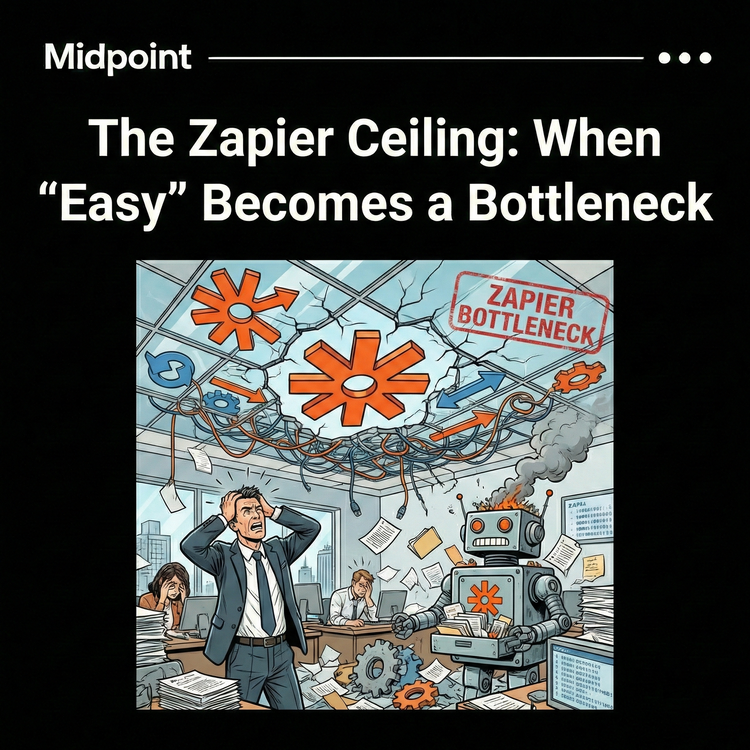
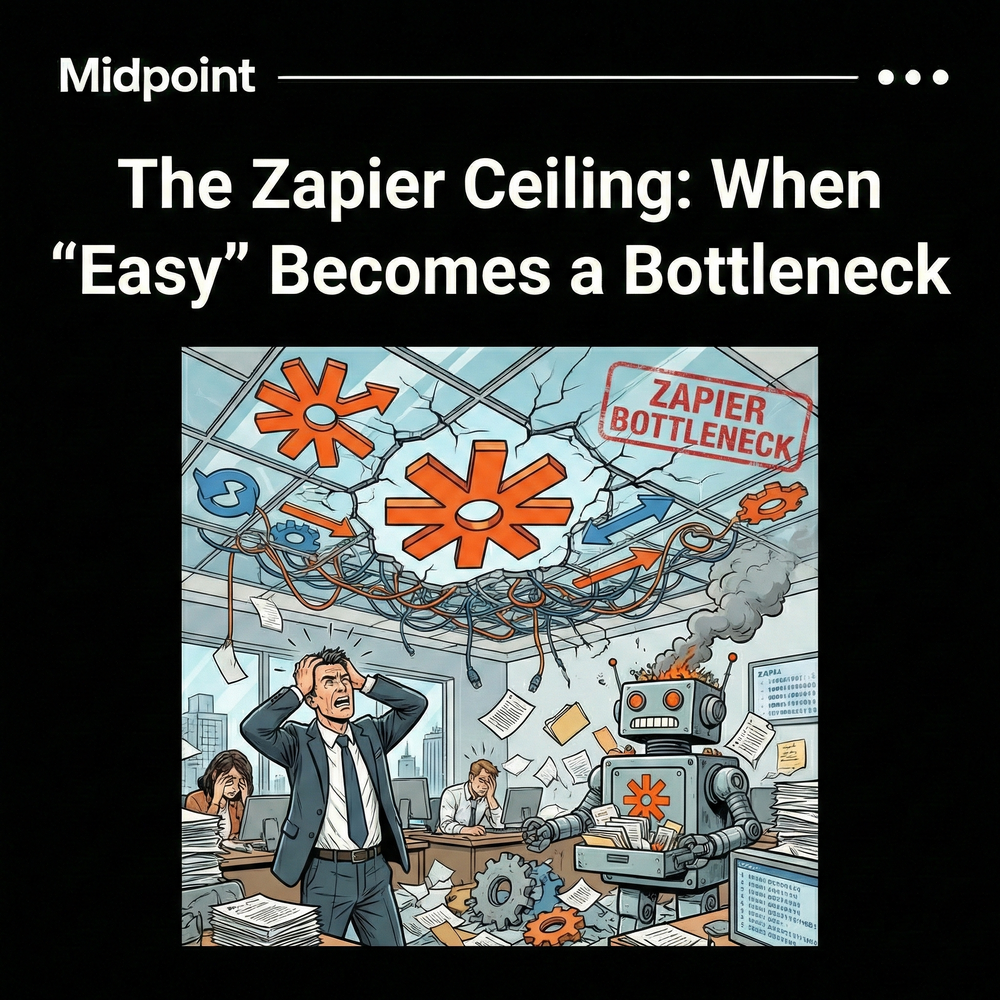
The Zapier Ceiling: When “Easy” Becomes a Bottleneck
A practical look at why many teams outgrow early automation setups, and what changes when you need end-to-end workflows with monitoring and recovery.
-
How to Build Midpoints: A Practical Guide to AI Automation With AI Agents
Learn how to build Midpoints end to end: define triggers, connect tools, use AI agents and LLMs, test, deploy, monitor, and ship fixes fast.
-
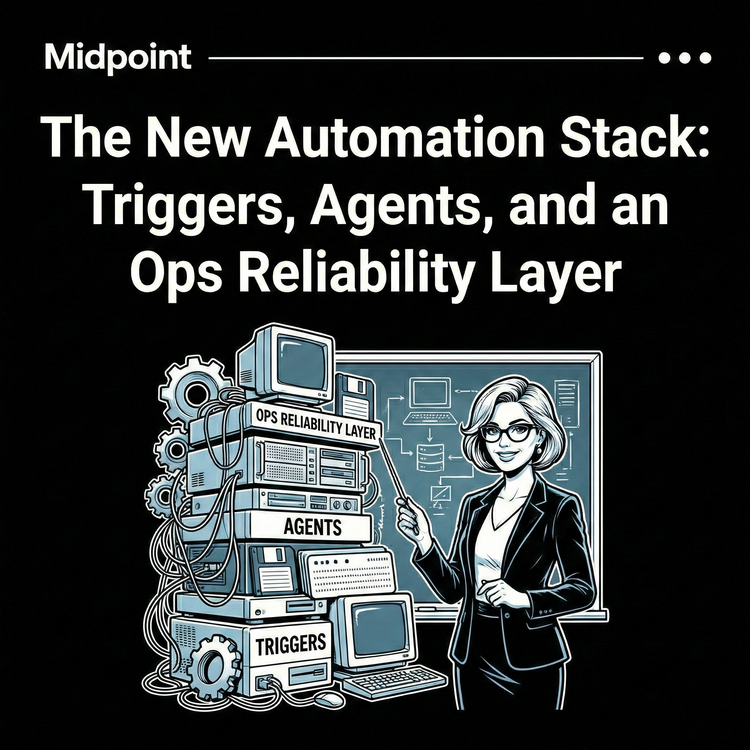
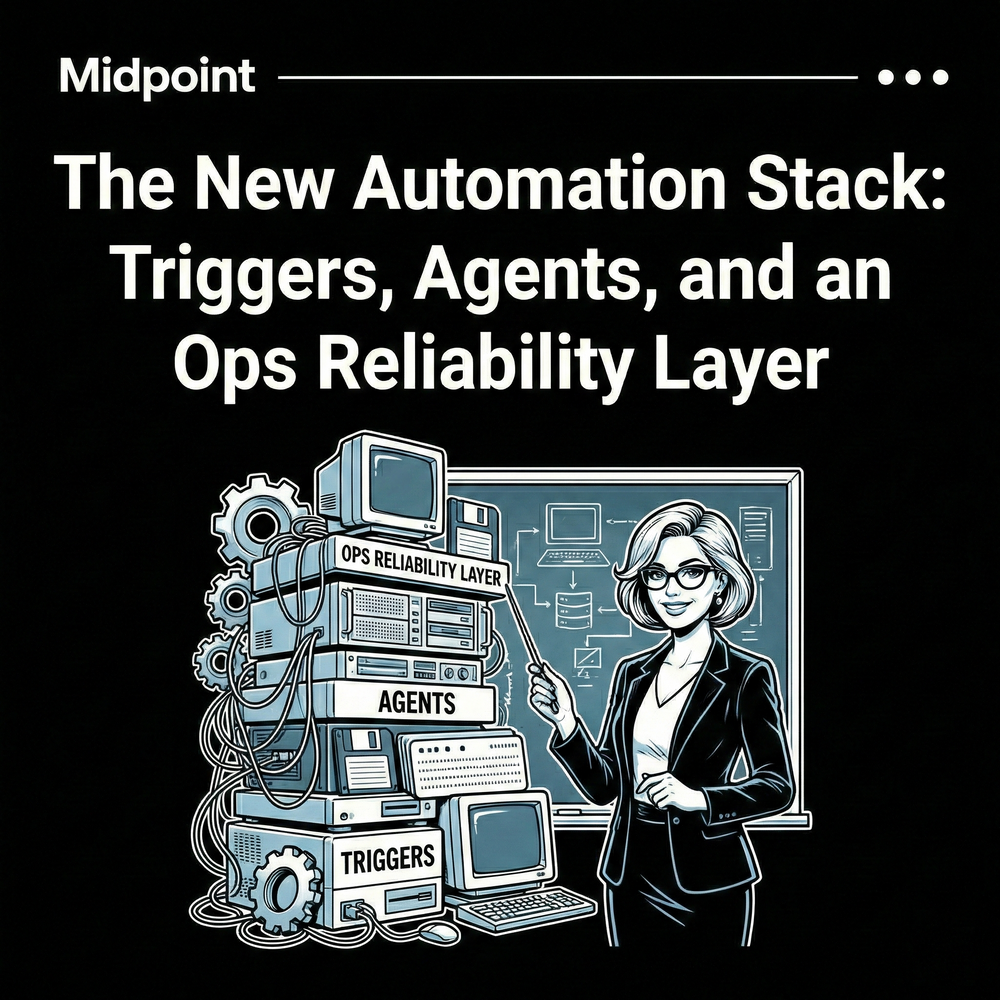
The New Automation Stack: Triggers, Agents, and an Ops Reliability Layer
A modern blueprint for automation that actually holds up, combining workflow orchestration, agents, and the monitoring and recovery layer teams forget.
-
Your First AI Agent Should Not Be a Chatbot
Why the highest-ROI first agent is a workflow owner, not a conversational toy, and how to pick the right trigger, outputs, and guardrails.
-
Midpoint Creator Program: Turn Automation into Income
We’re launching the Midpoint Creator Program, inviting creators to show what it looks like when an automation platform behaves like an automation engineer.
-
Generative vs. Predictive AI: Stop Confusing Them
The tech industry is drowning in jargon, and confusing “Generative” with “Predictive” AI is leading to expensive mistakes.
-
Stop Scripting, Start Describing: The Era of Prompt-Powered Automation
Stop scripting and start describing.
-
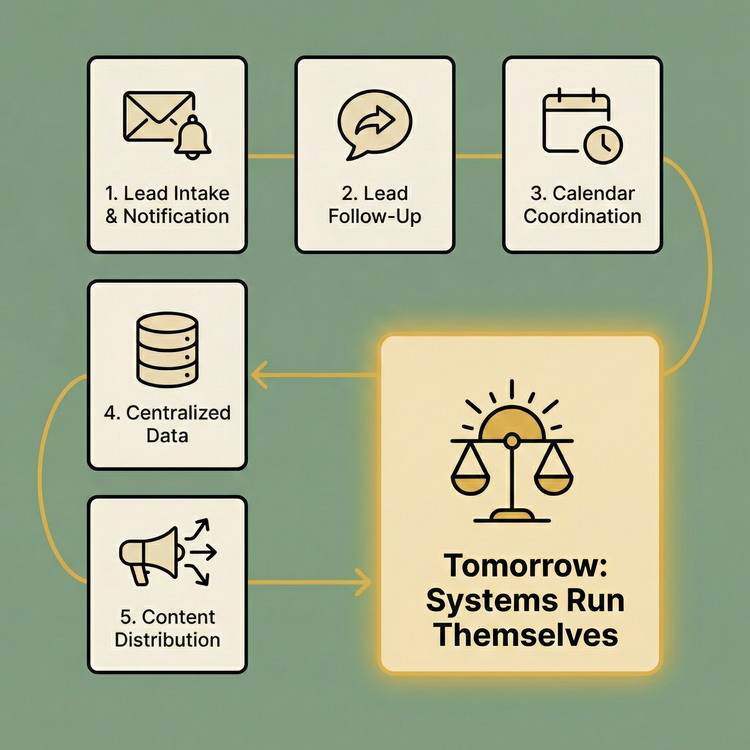
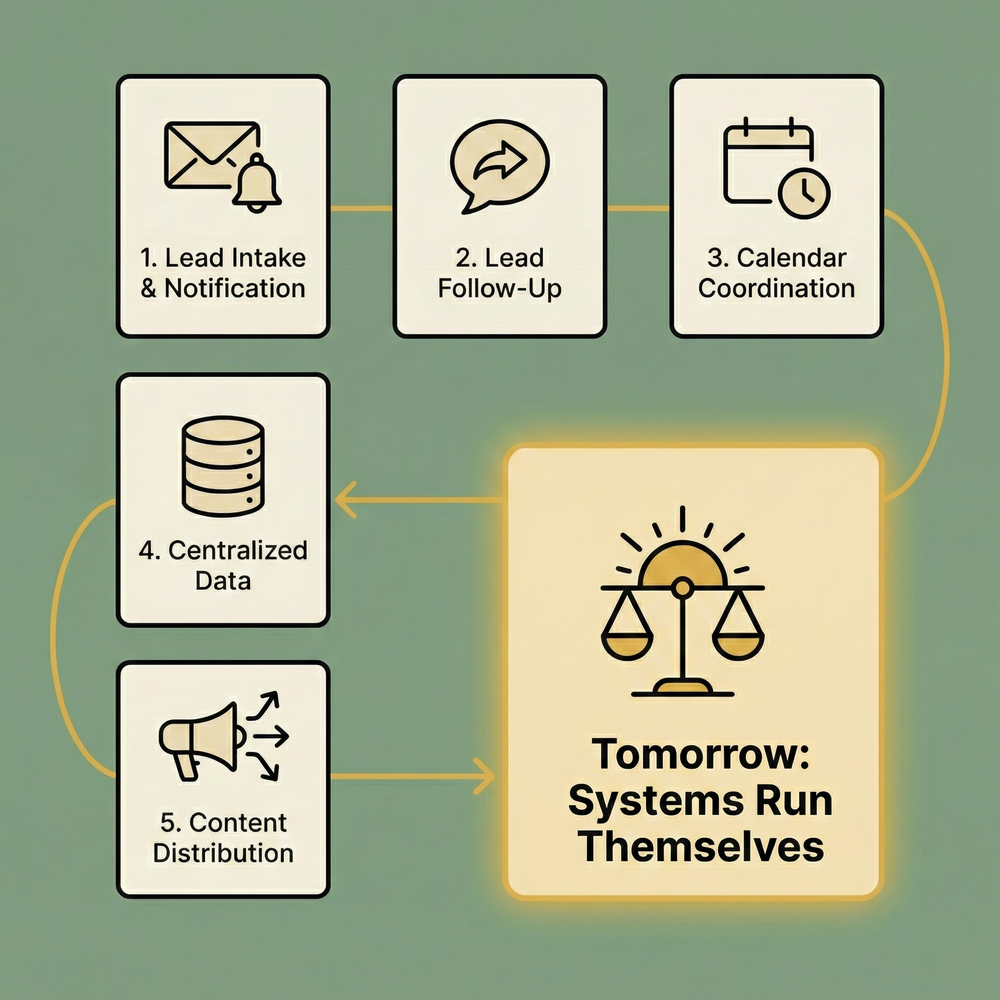
5 Systems You Should Automate Today
Most teams aren’t blocked by a lack of ideas. They’re buried under coordination overhead across disconnected tools.
-
An AI Workflow Automation Platform Built for Outcomes
Midpoint is an AI workflow automation platform built for outcomes, not configuration.


Newsletter
New posts, by email.
Or follow the RSS feed.
Hire one worker. Give it one job. Judge it on the work.
Your first worker is free for two weeks. No card.